Documentation / Assets / Documents
Approvals
How document records connect to approval work in TrialStack and where teams should manage the controlled review state.
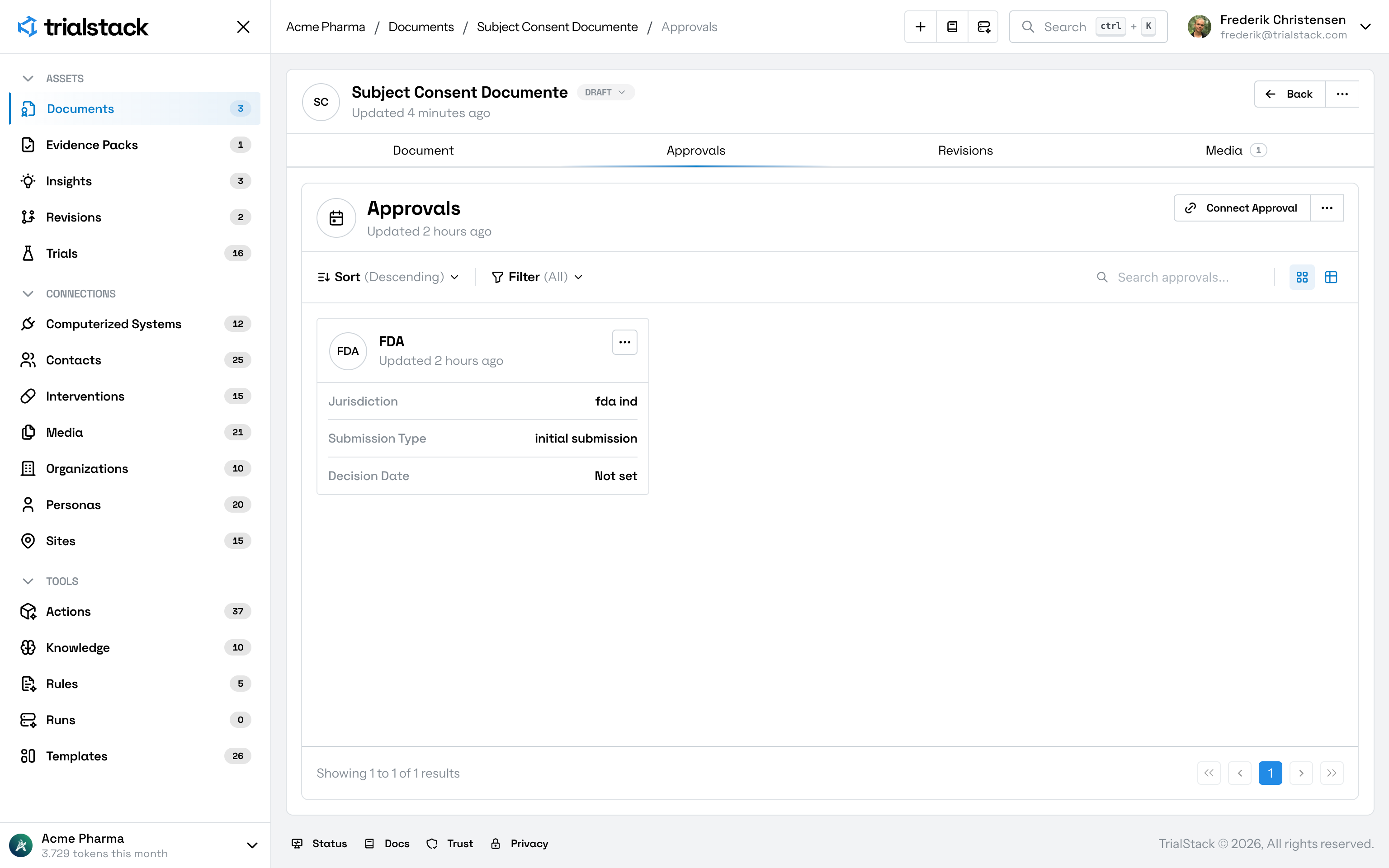
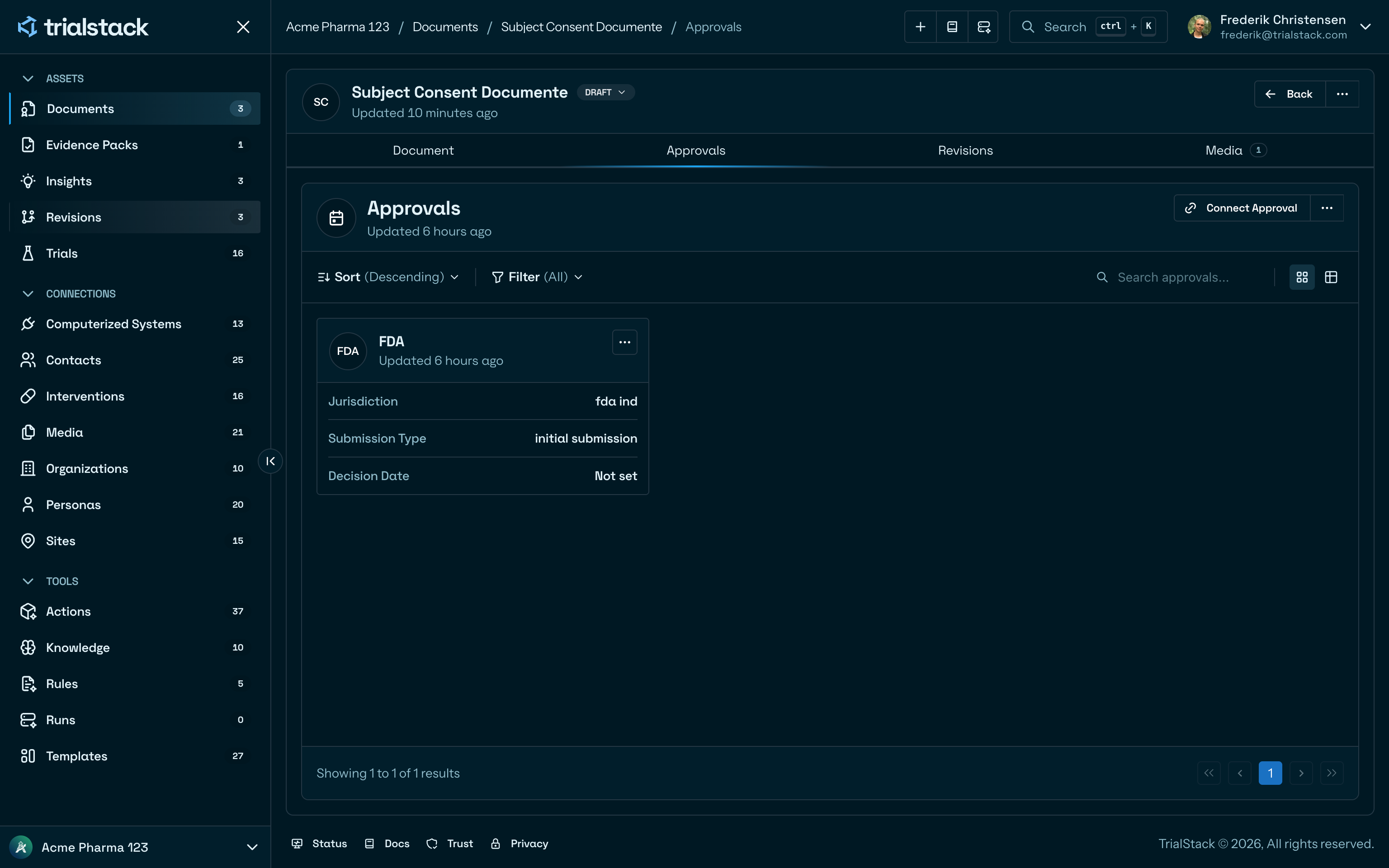
Documents hold the governed asset. Approvals capture the review and sign-off work that determines whether the document can move forward.
In the product
The tab keeps the approval record attached to the document instead of burying review state in document edits or free-form notes.
Why it matters
- a document needs controlled review before use
- reviewers need the approval trail attached to the source asset
- teams need to distinguish editing from approval state
From each side
- Use Documents for the content-bearing record and version-aware asset workflow.
- Use Document Approvals for review, decision-making, and sign-off behavior.