Users
How TrialStack manages organization members, roles, invitations, and the people who can access the workspace.
Control who can work here
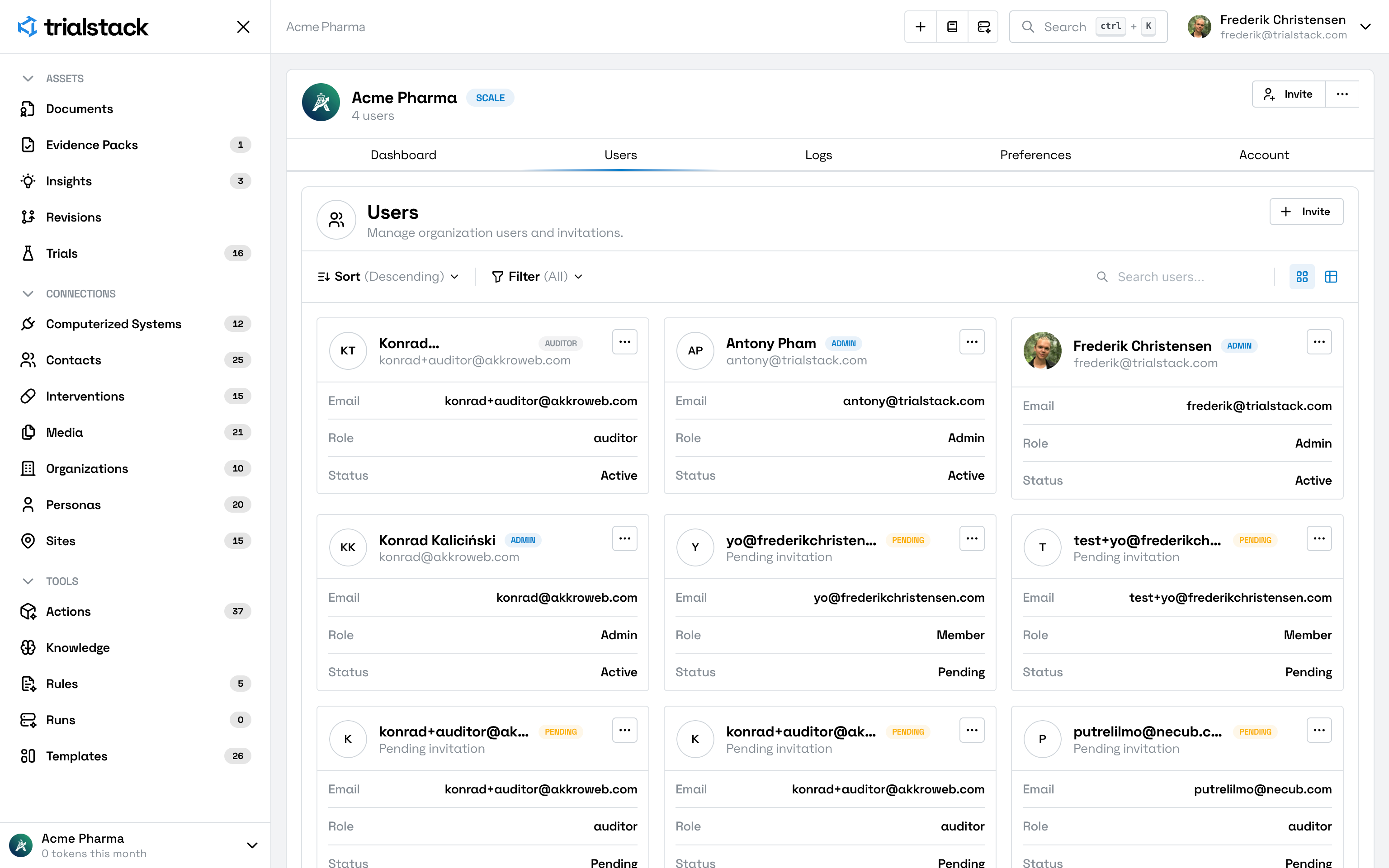
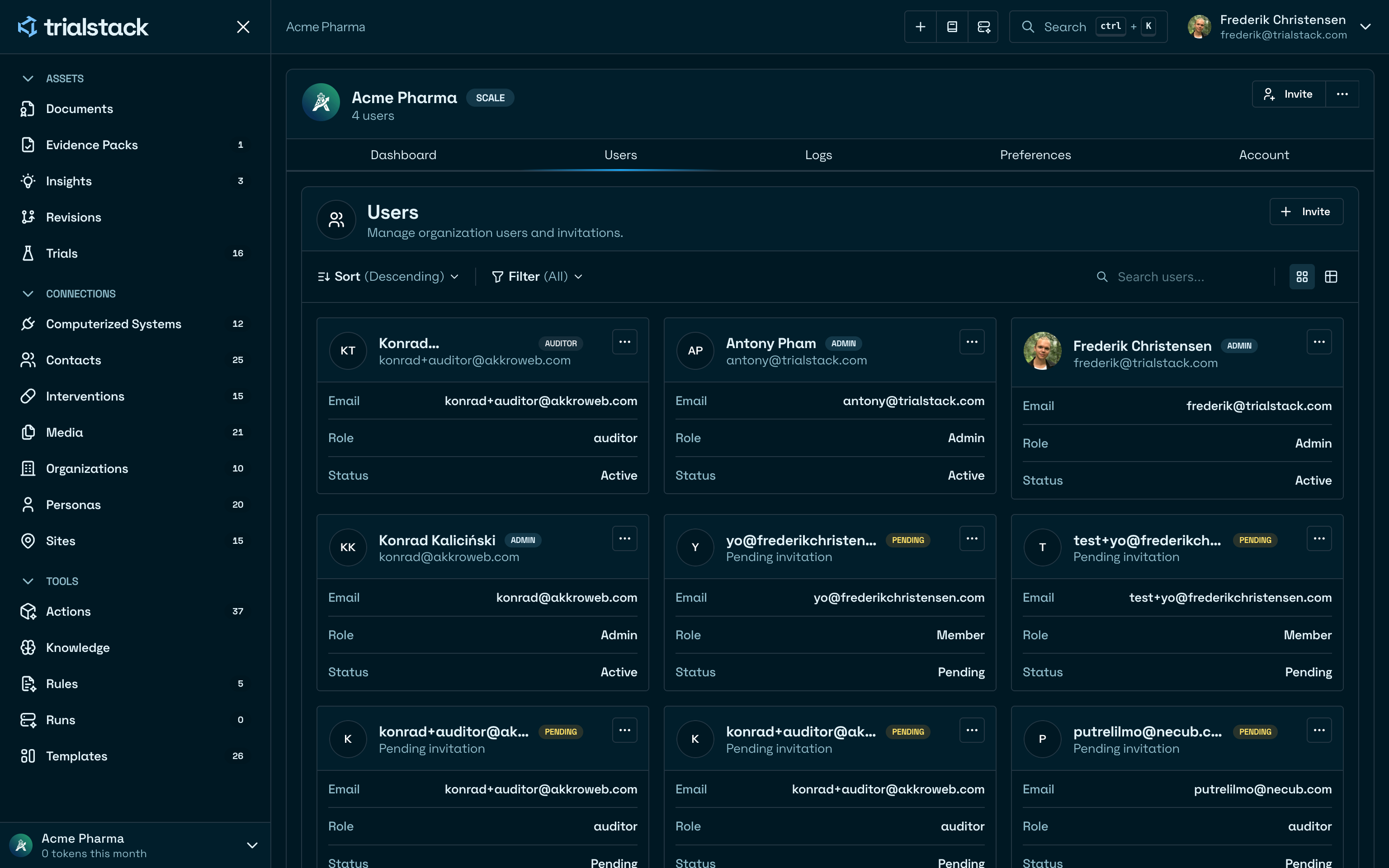
Users covers the organization membership surface in TrialStack. This is where teams manage who has access to the workspace and what role each person holds.
Keep ownership explicit
The user surface exists to manage:
- active members
- invitations and onboarding access
- workspace-level role ownership
Use it when access changes
Open Users when:
- a new teammate needs access
- an existing member needs a role change
- administrators need to review whether workspace ownership is still clear
Avoid informal access drift
Access decisions shape the rest of the product. Teams should avoid treating membership as background admin work when it directly affects governed workflows and AI-enabled surfaces.