Documentation / Connections / Sites
Media
How site records connect to supporting media in TrialStack.
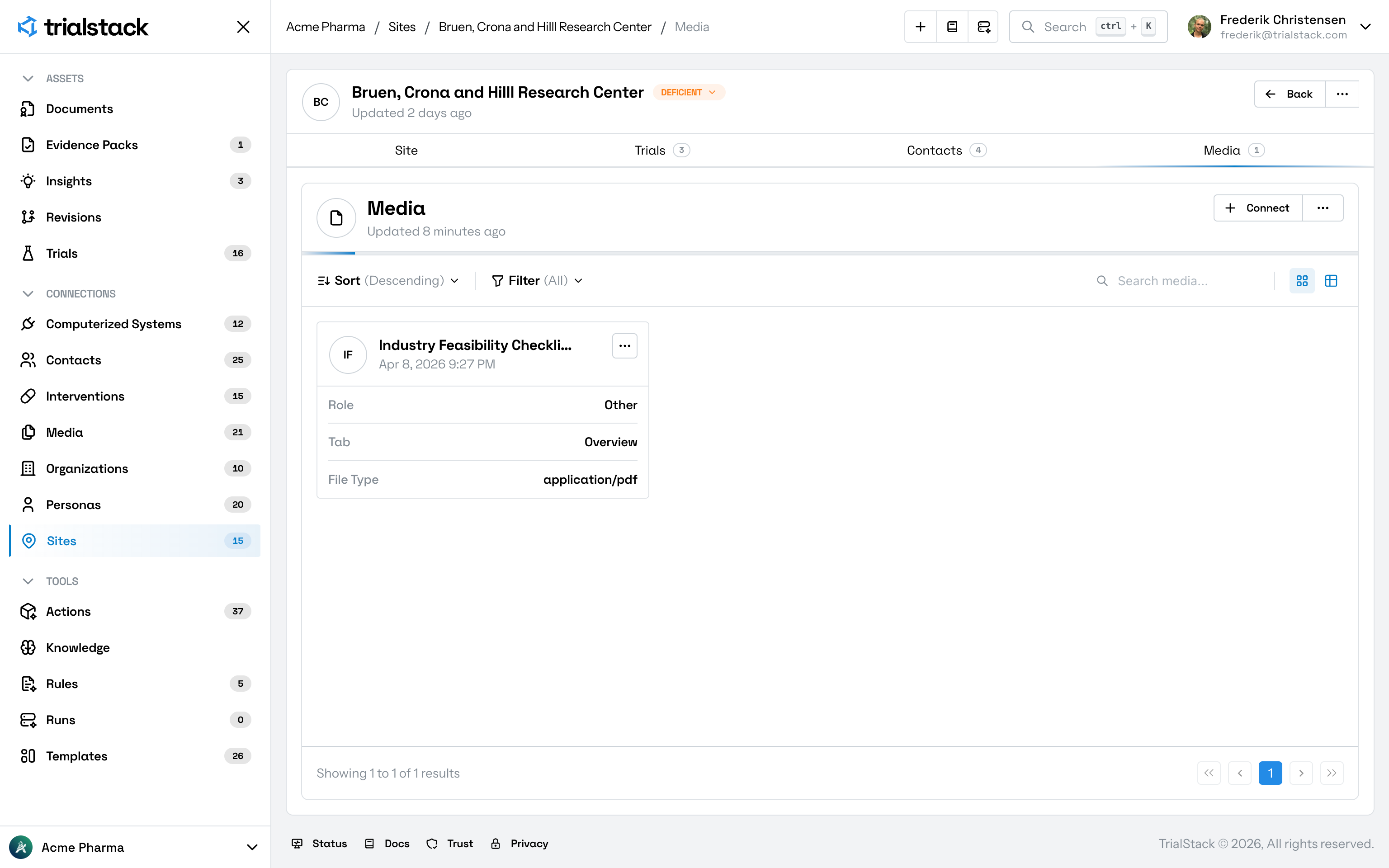
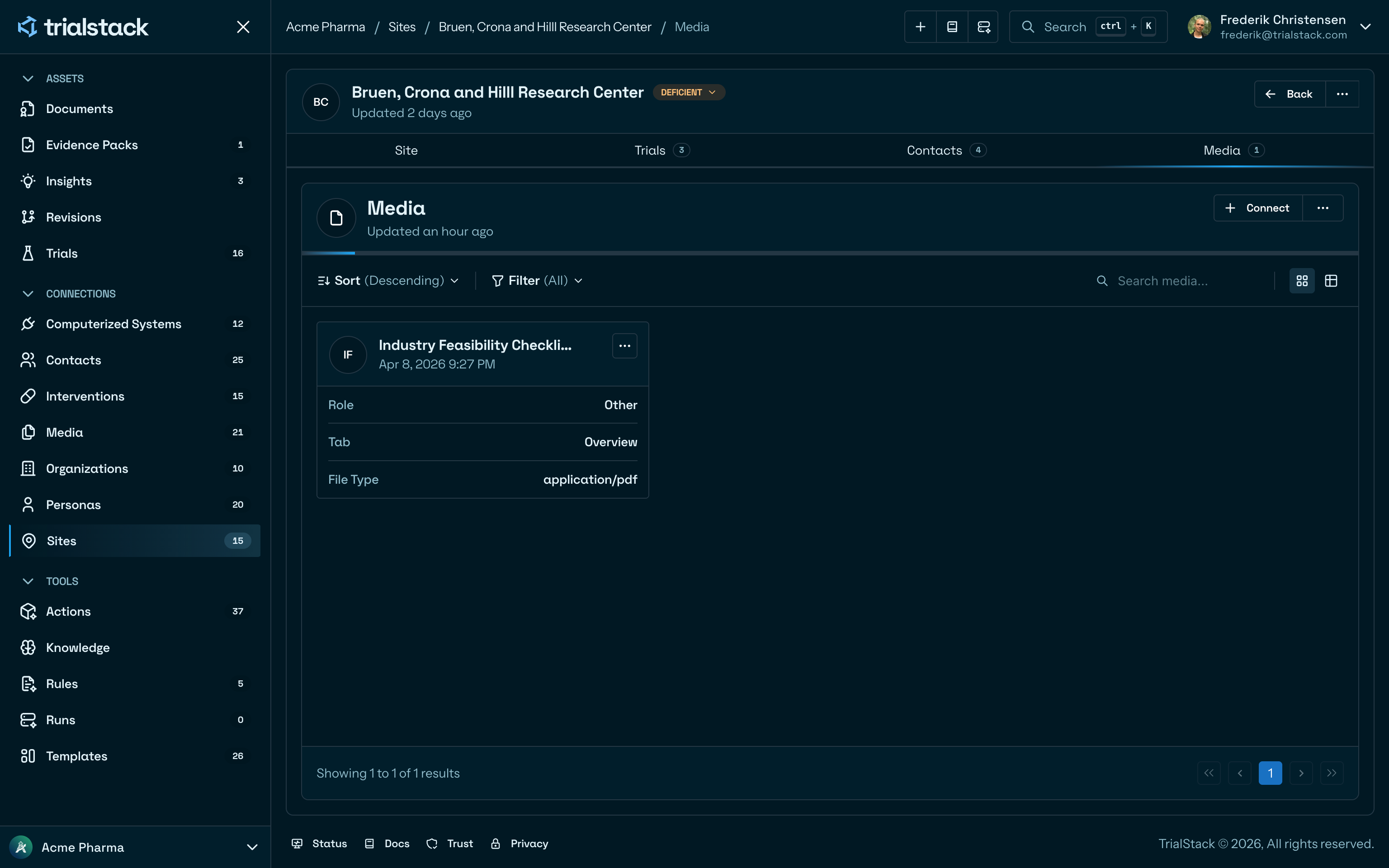
This is a single-direction media connection. Media items are attached to a site to provide supporting evidence such as facility photos, regulatory certificates, or site readiness documents.
Why it matters
- a site record needs supporting files for readiness reviews and compliance evidence
- reviewers need attachments behind site operations and inspections
- teams need file traceability tied to the correct execution location
In the product
The media tab lists files attached to the site, including their role, associated tab, and file type.
Connection fields
| Column | Description |
|---|---|
| Role | The purpose the file serves for this site — e.g. facility photo, inspection report |
| Tab | Which tab on the site page the file is associated with |
| File Type | The MIME type of the uploaded file |
| Linked | The date the file was attached |
Operations
| Action | Available |
|---|---|
| Connect | Upload or pick a file to attach |
| Disconnect | Remove the link (hard delete of the junction) |
| Reconnect | Not available — disconnect and re-attach instead |