Documentation / Connections / Sites
Contacts
How site records connect to contact records in TrialStack.
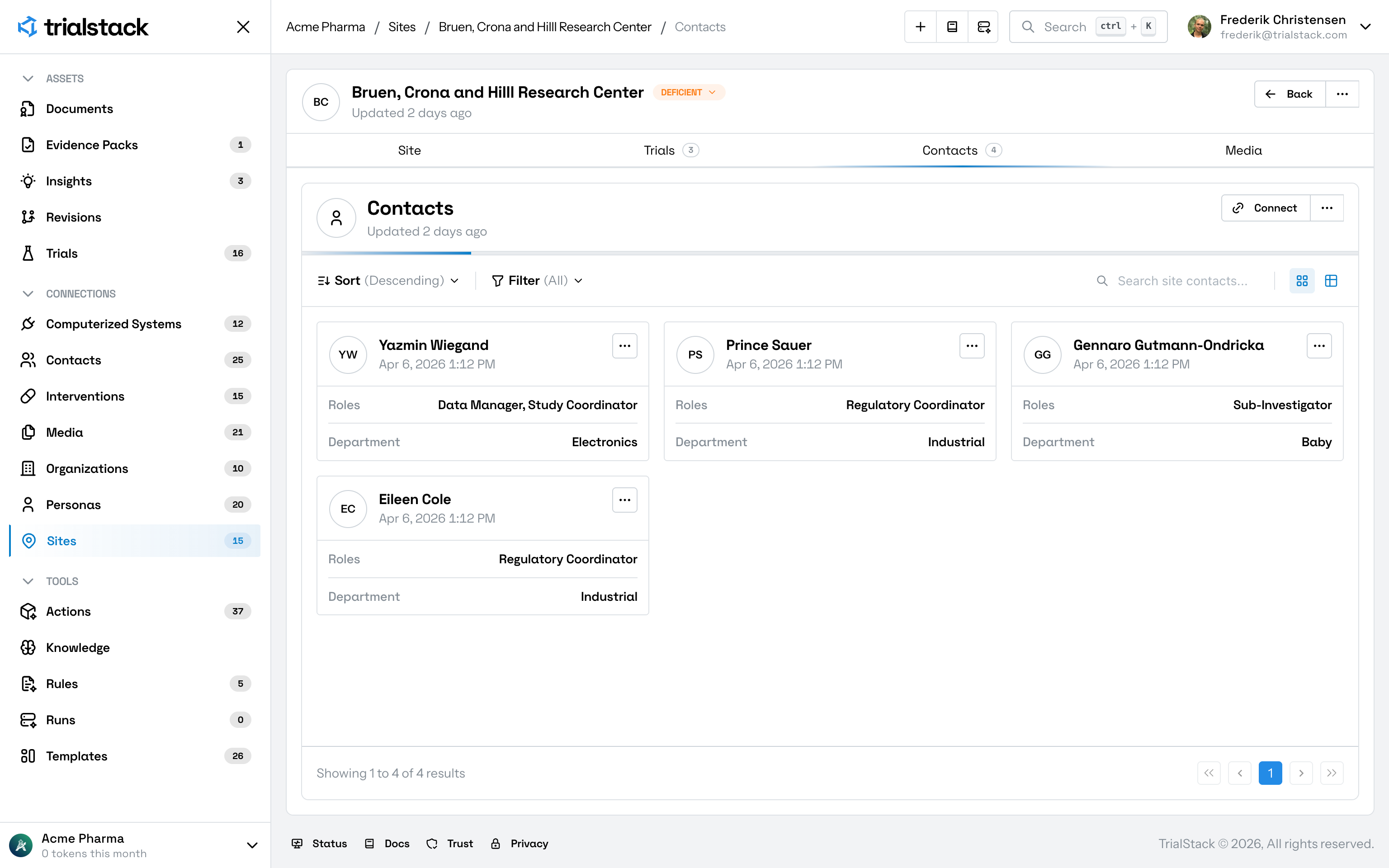
This is a dual-bound connection. The same junction links a site to a contact and a contact to a site. See Contact → Site for the reverse direction.
Directional connect rule: New links can only be created from the site page. The contact page shows existing links but connecting from the contact side is blocked.
Why it matters
- a site needs named operational stakeholders with roles and department context
- reviewers need person-level context around site execution and delegation
- site ownership depends on the right contacts staying attached with accurate status
Dual-bound relationship
flowchart LR
  S[Site] -- "status · roles · department · version" --> C[Contact]
  C -. "read-only (connect blocked)" .-> S
In the product
The site page shows each assigned contact with role and department context for local operations.
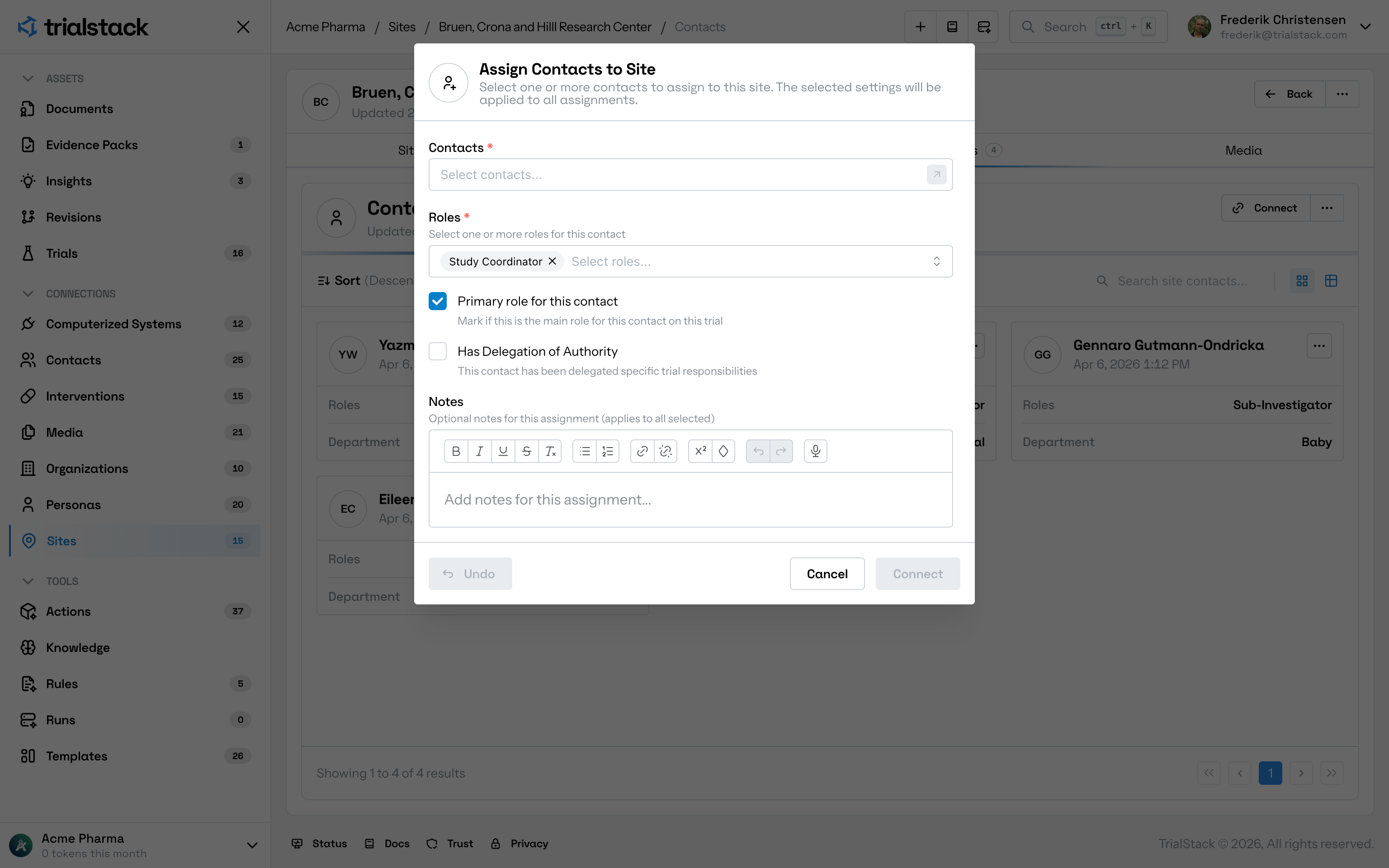
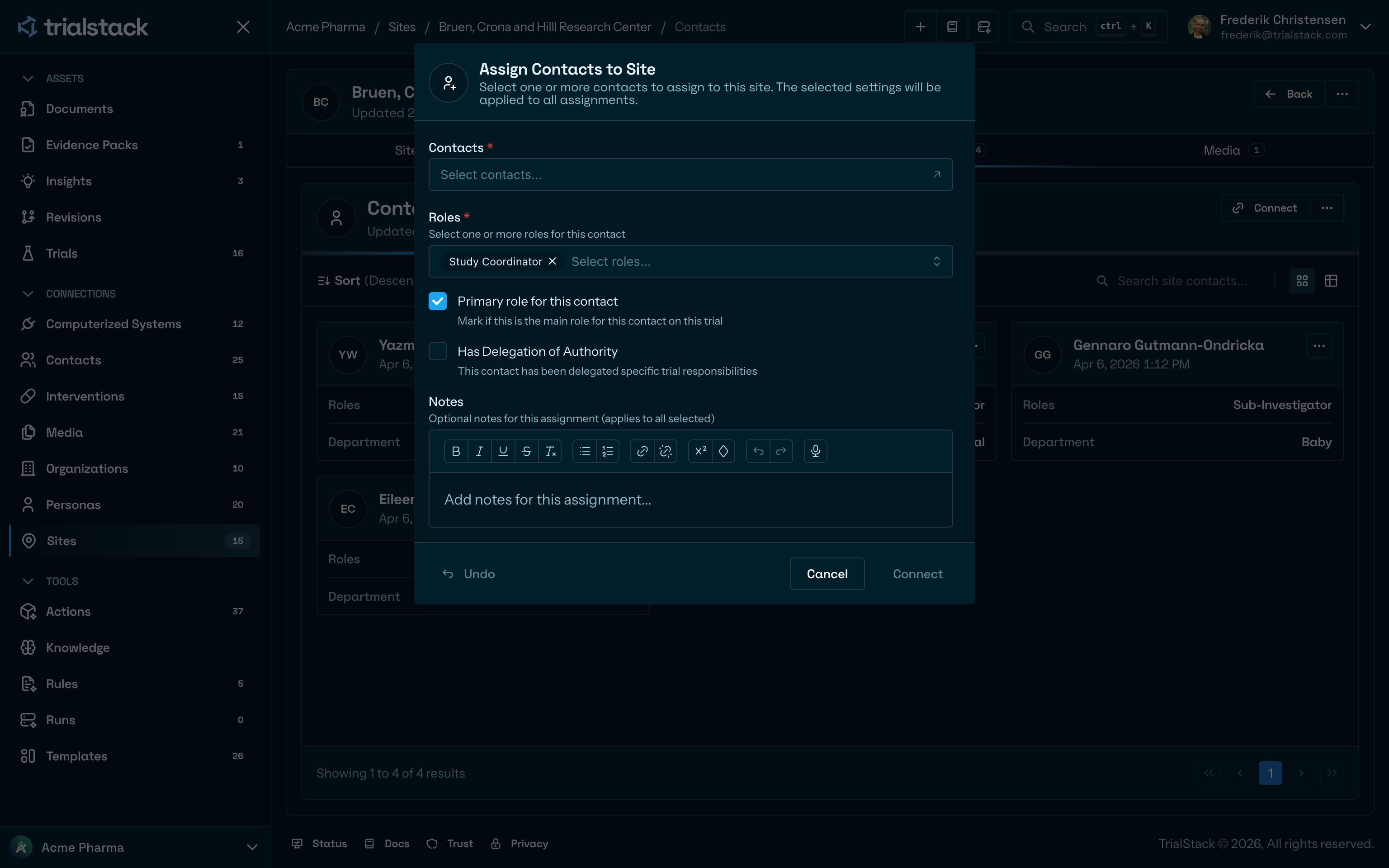
New site-contact links are created from the site page, where shared assignment settings apply to every selected contact.
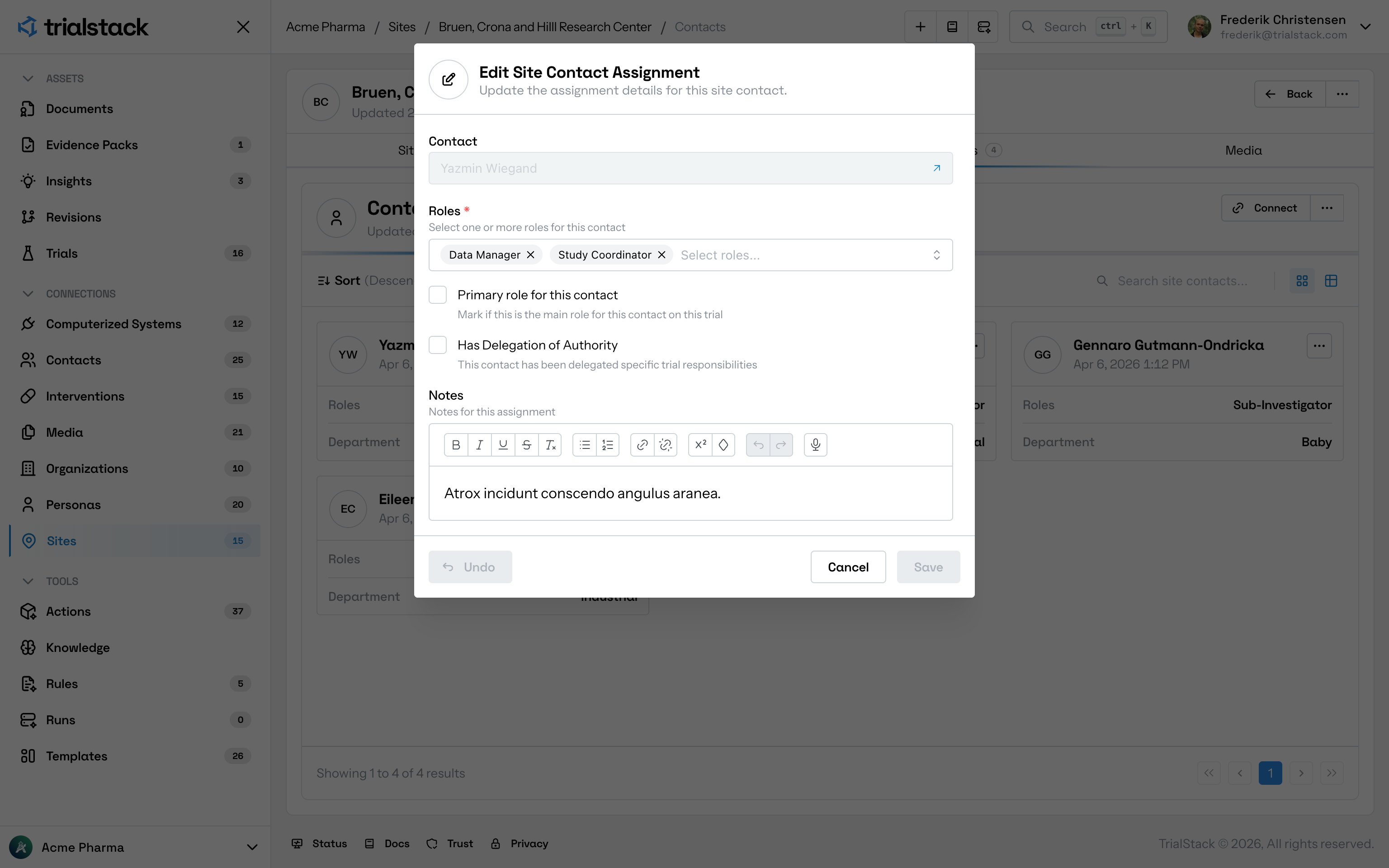
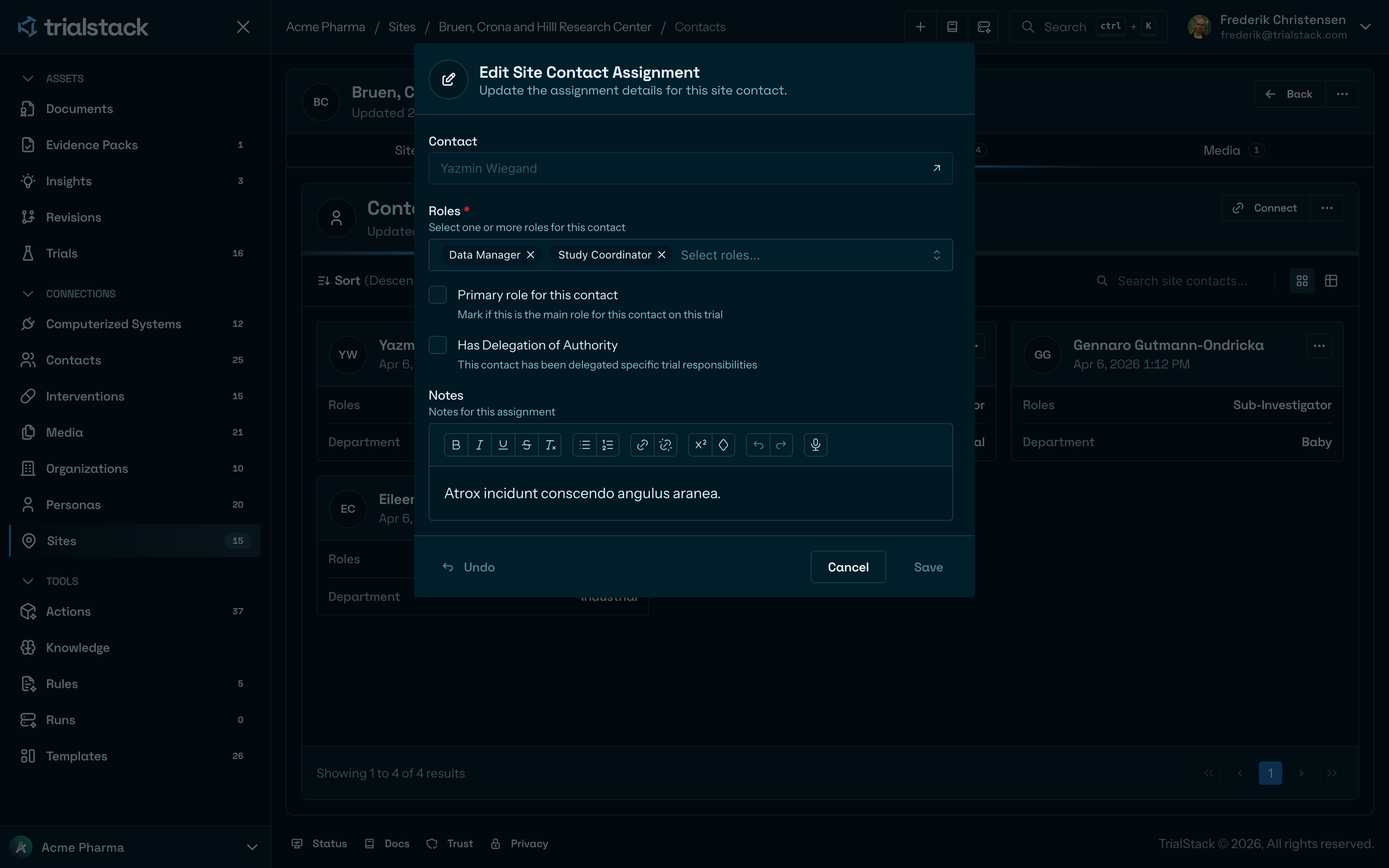
Existing assignments can be updated when roles, delegation status, or notes need to change.
Junction fields
From the site page (site → contact)
| Column | Description |
|---|---|
| Status | The contact’s operational status at this site |
| Roles | One or more roles this contact holds at the site (multiselect) |
| Department | The department or unit the contact belongs to at this site |
| Version | Junction version counter |
From the contact page (contact → site)
| Column | Description |
|---|---|
| Status | Same status value |
| Roles | Same multiselect roles |
| Job Title | The contact’s job title (or department label) at the site |
| Version | Junction version counter |
Operations
| Action | From site page | From contact page |
|---|---|---|
| Connect | Pick a contact | Blocked — connect from the site side instead |
| Disconnect | Remove the contact link | Remove the site link |
| Reconnect | Update status / roles / department | Update status / roles / job title |
| Clear all | Remove all contact links | Remove all site links |