Documentation / Assets / Documents
Media
How document records connect to supporting media in TrialStack and how those assets should stay attached to the governed record.
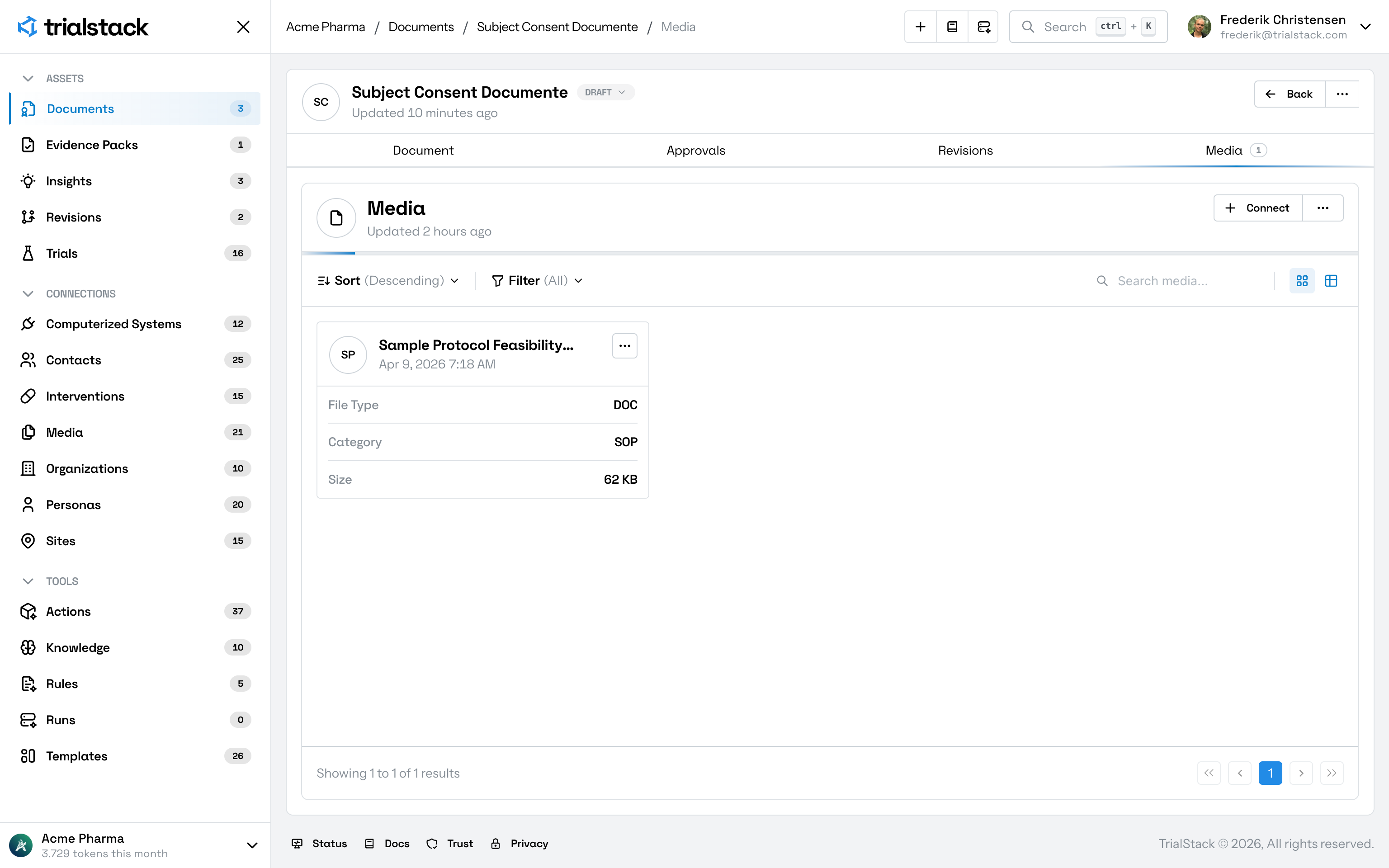
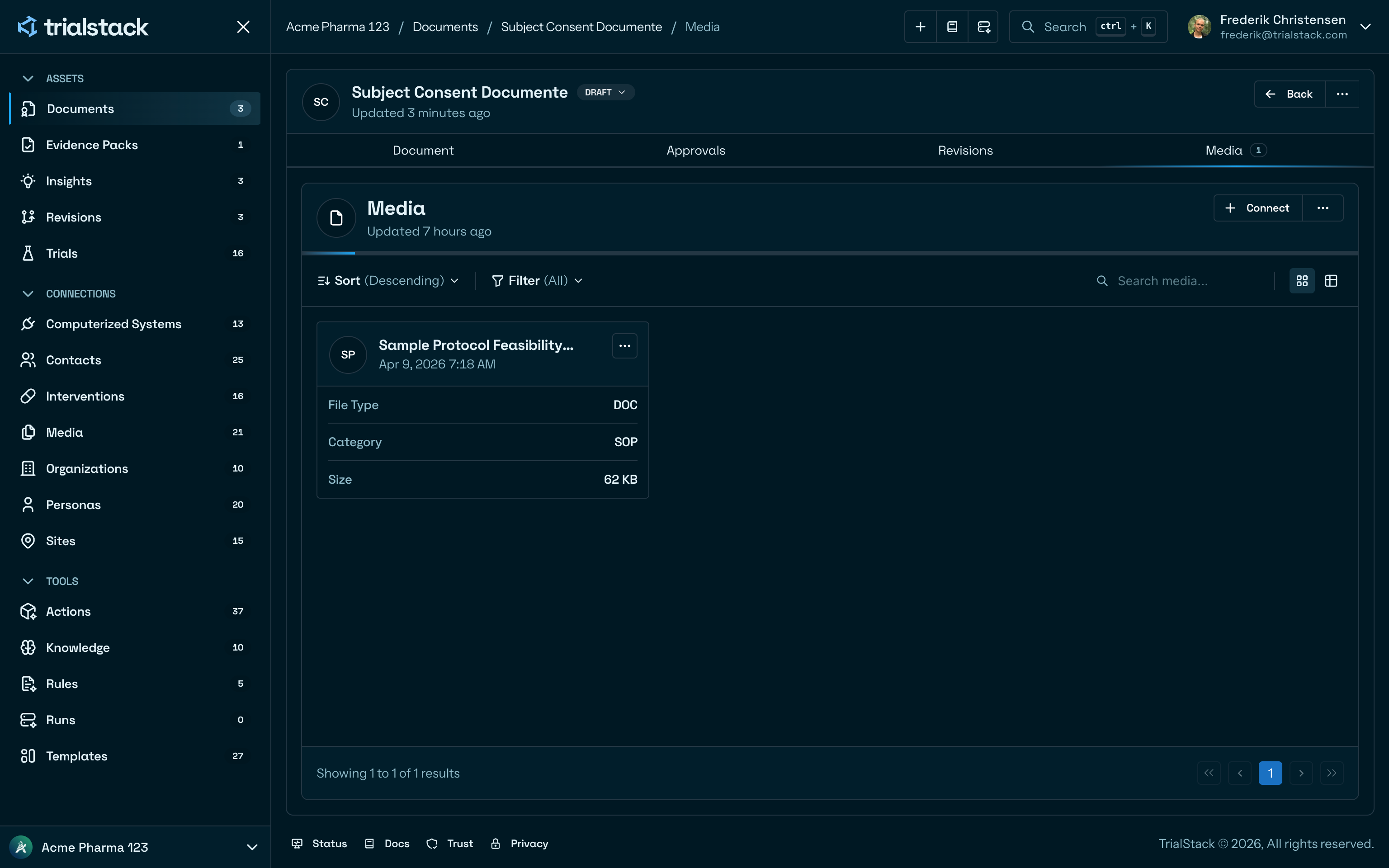
Documents are the governed records. Media holds the supporting files, derived assets, or attachments that need to remain linked to those records.
In the product
The tab shows the supporting files attached to the document so teams can confirm the right evidence and source assets remain linked.
Why it matters
- a document needs supporting files or attachments
- teams need to review which media belongs to a document
- supporting assets must stay traceable to the governed source record