Logs
How TrialStack exposes organization-wide audit activity so teams can inspect who changed what and when across the workspace.
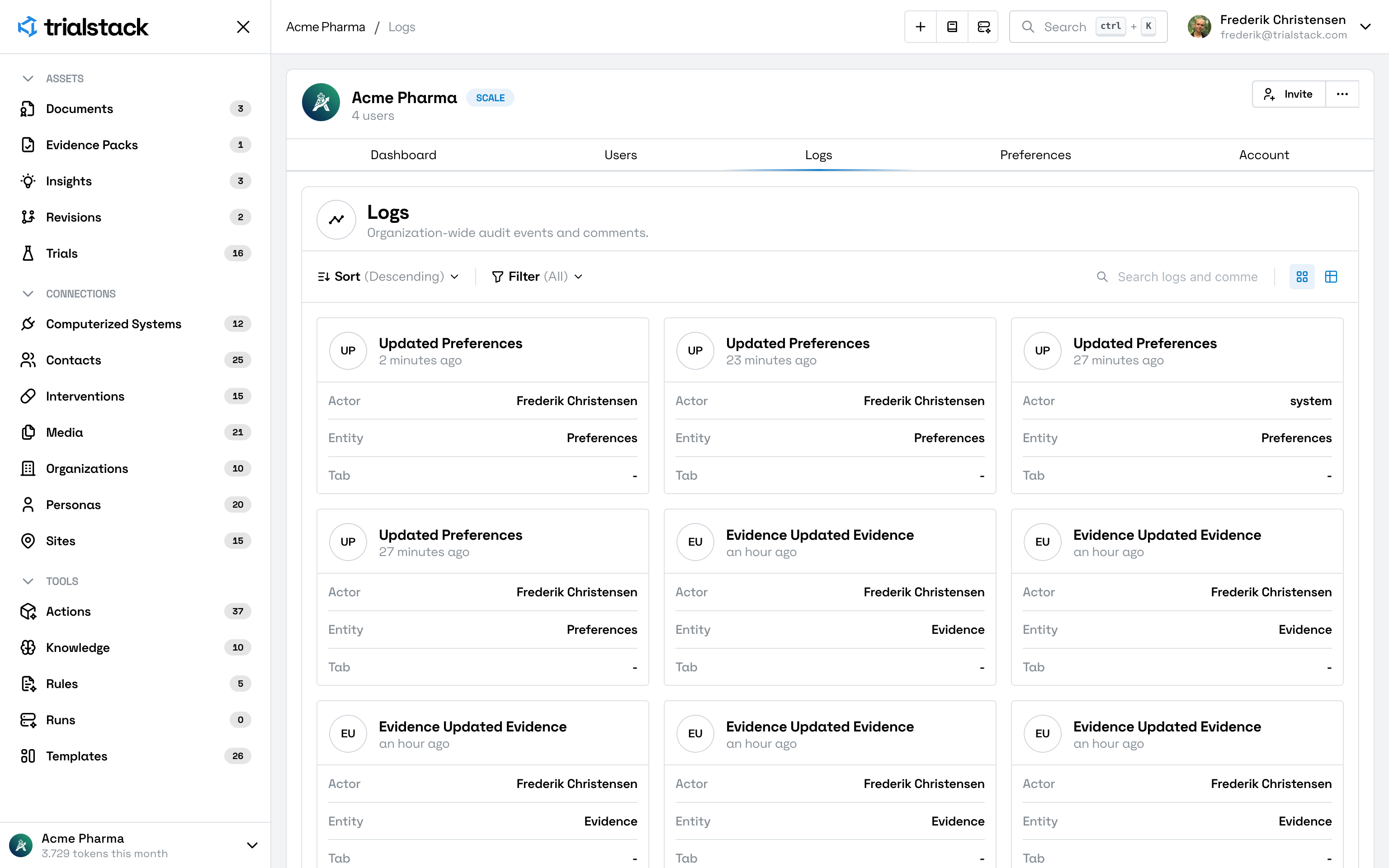
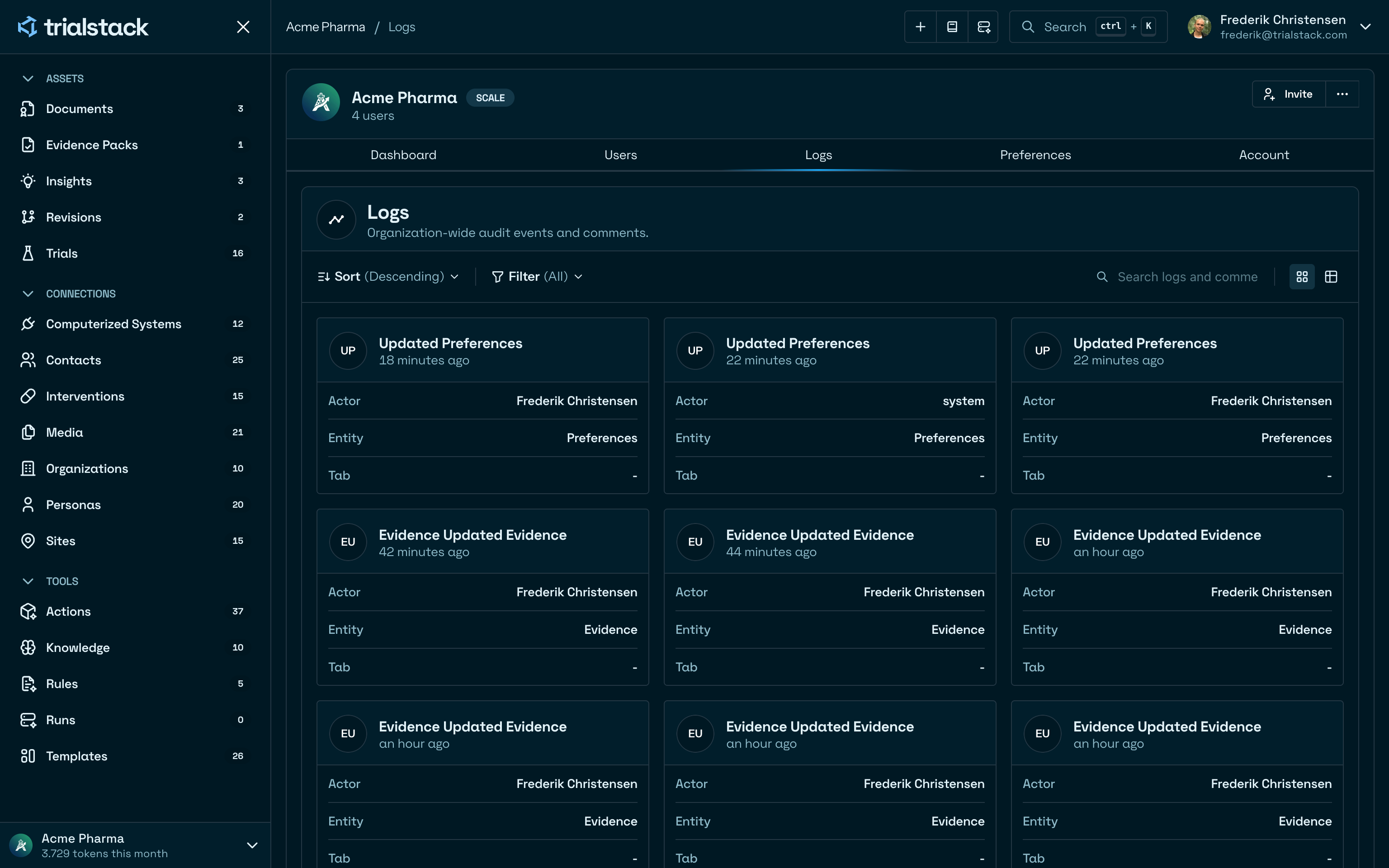
Review activity across the workspace
Logs is the organization-wide activity surface in TrialStack. It helps teams inspect who changed what and when without opening each record one by one.
Trace the important events
The log view is useful because it pulls together:
- actor visibility
- affected entity or surface
- event timing
- the kind of change that happened
In the product
Logs gives teams a workspace-wide activity feed with sort, filter, search, and layout controls.
Use it when the question spans records
Open Logs when:
- the team needs a chronological view of important activity
- operators need to trace a change back to its source
- administrators want workspace-wide visibility rather than one record’s history
Use the record view for deeper detail
Logs is the cross-workspace lens. When the team needs full context, justification, or relationship meaning, the next step is usually the underlying record or workflow history.