Documents
How customer teams create, version, review, and govern documents in TrialStack.
Keep controlled content reviewable
flowchart LR
    Draft[Draft document] --> History[Version history]
    History --> Review[Revision or approval]
Documents are managed as versioned records so teams can update important content without losing the change path, the supporting context, or the ability to route the work into governed review.
In the product
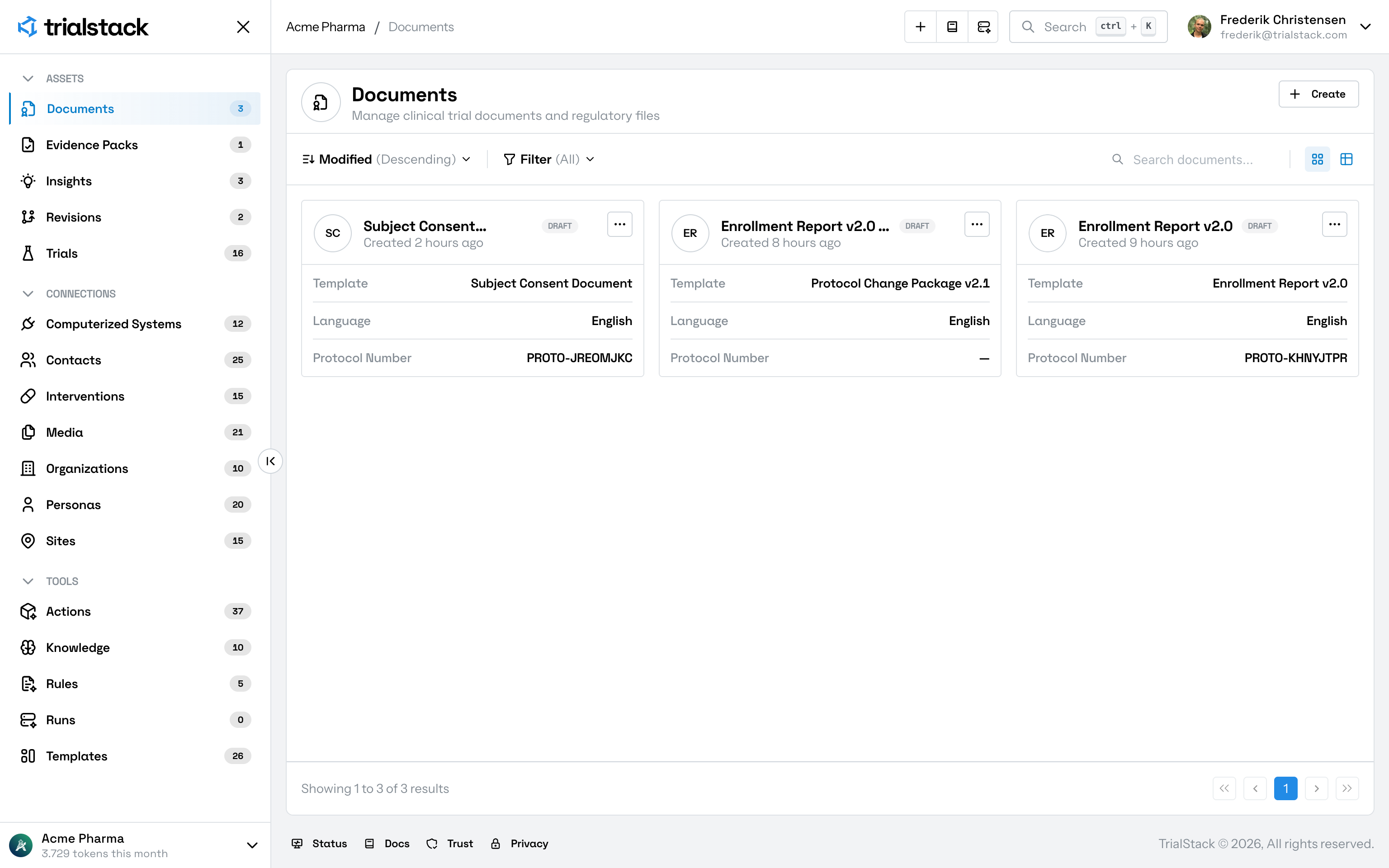
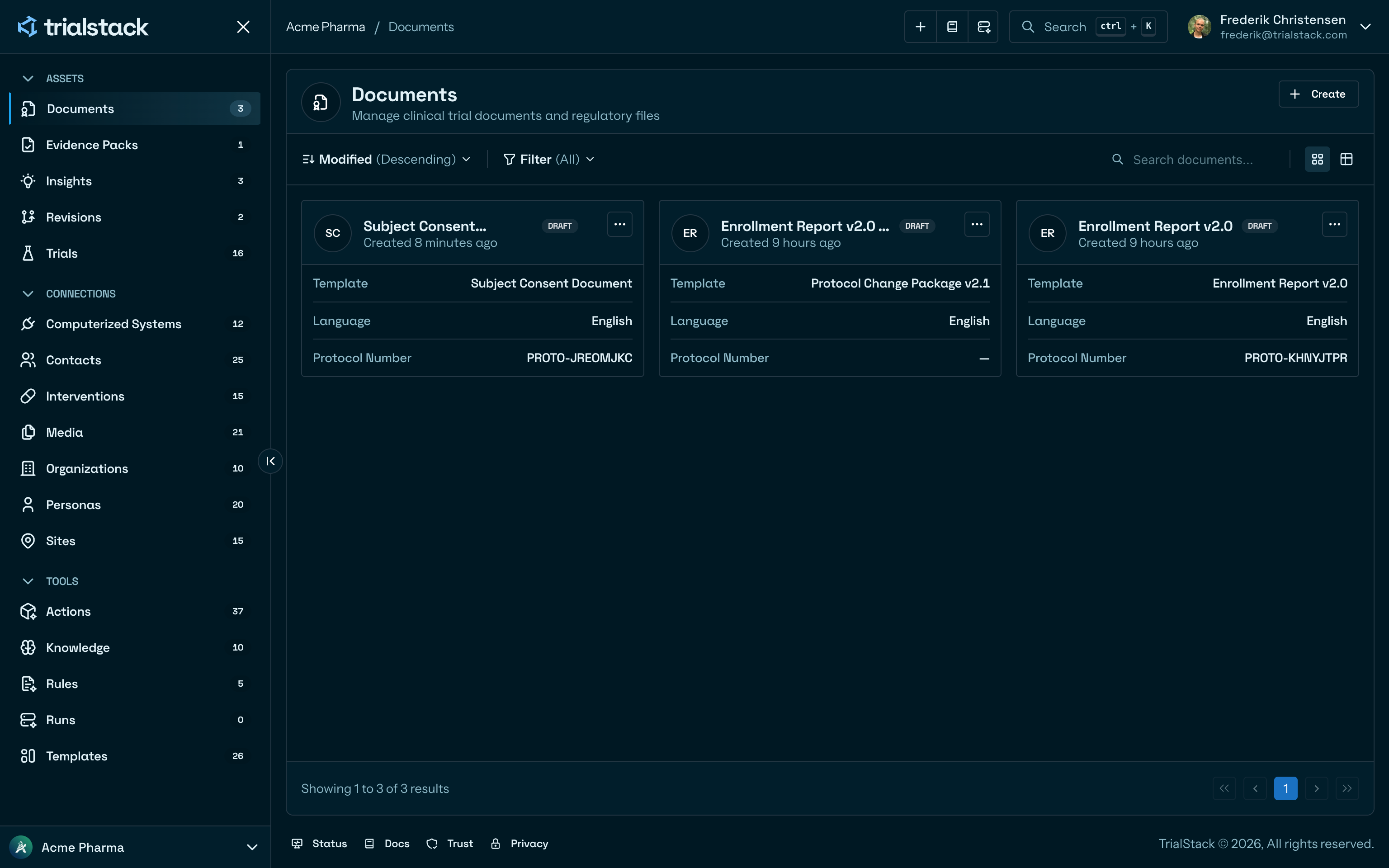
The library view keeps draft state, template, language, and protocol number visible before a document is opened.
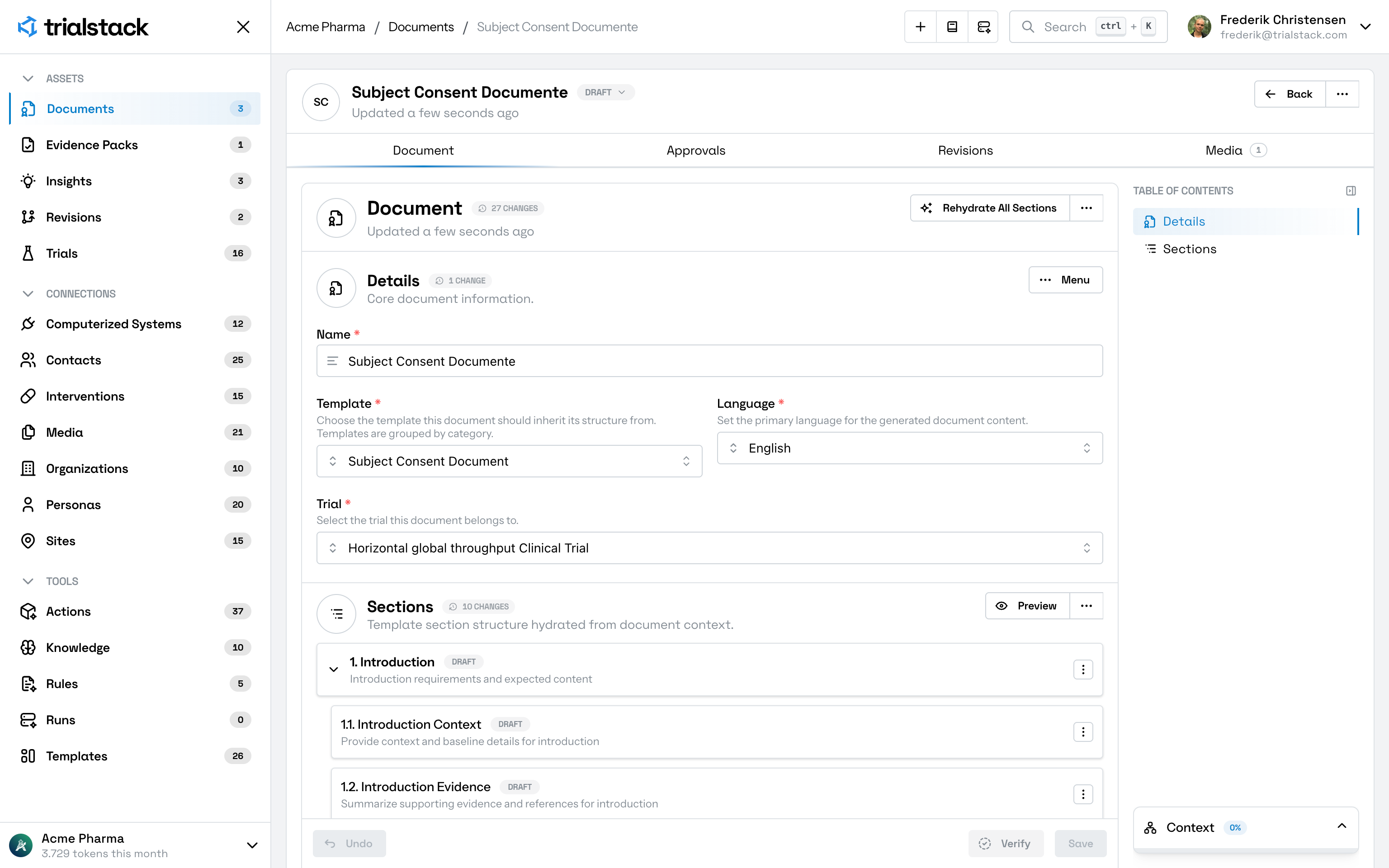
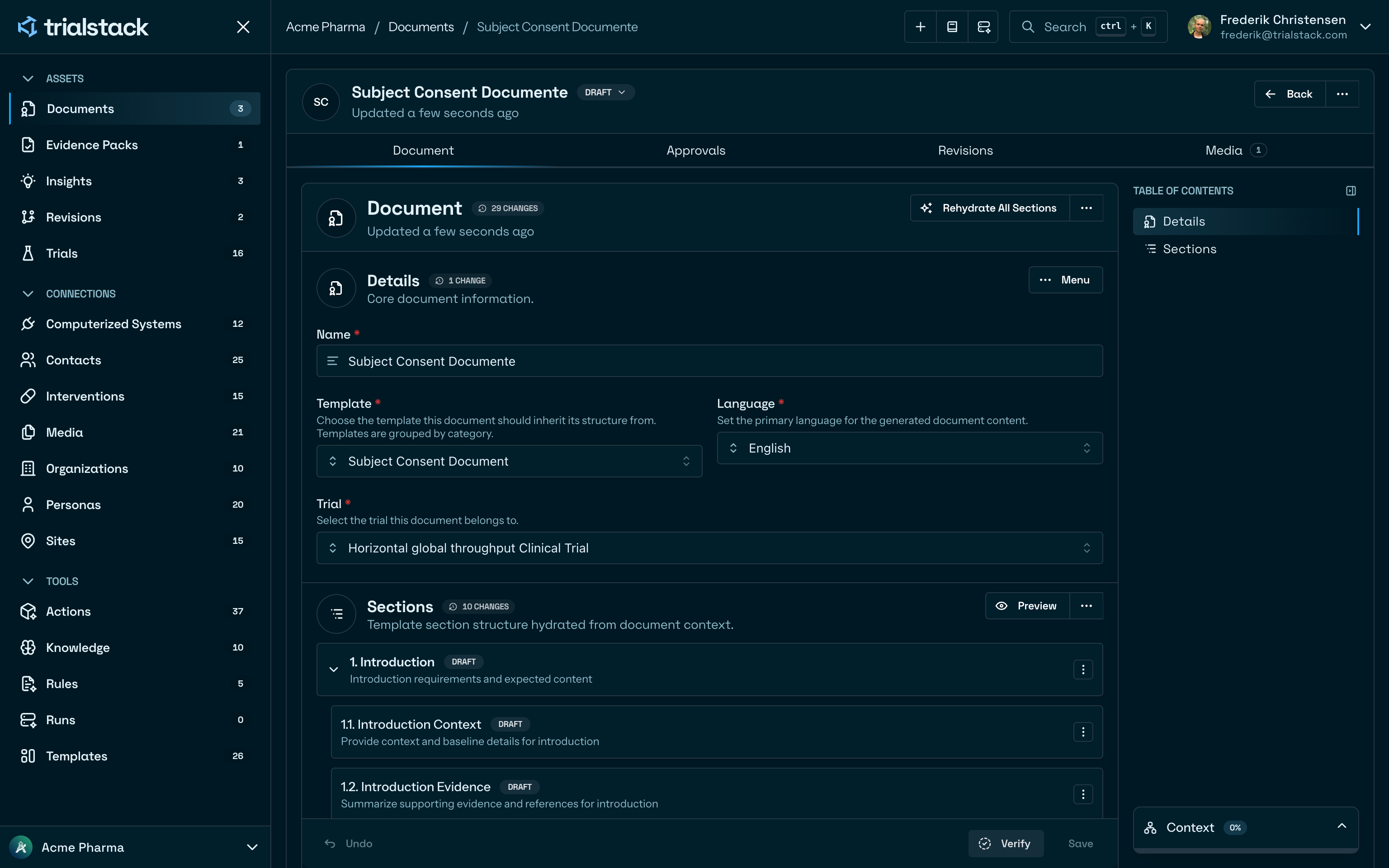
Each document keeps the record definition in Details and the authored body in template-backed sections on the same tab.
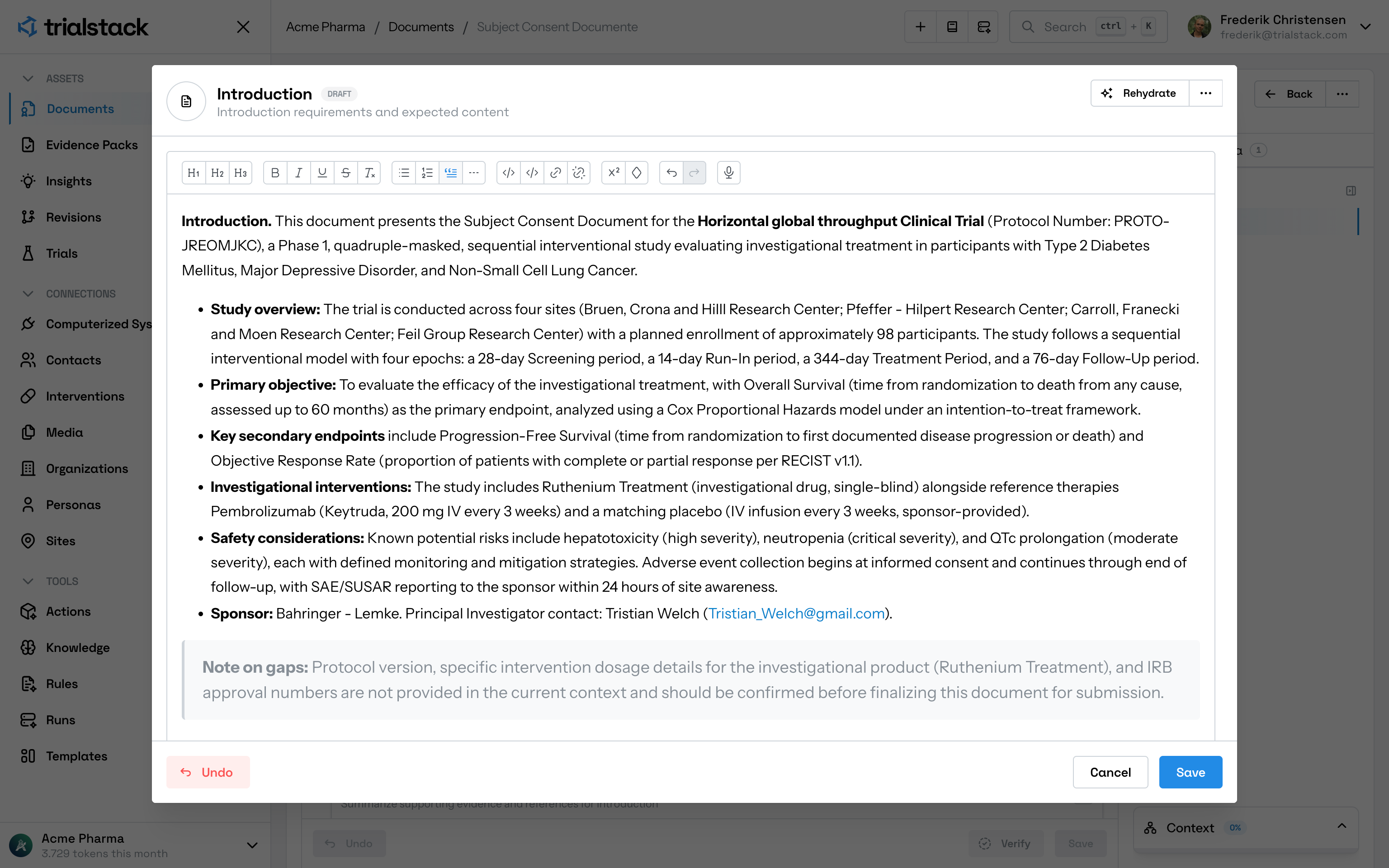
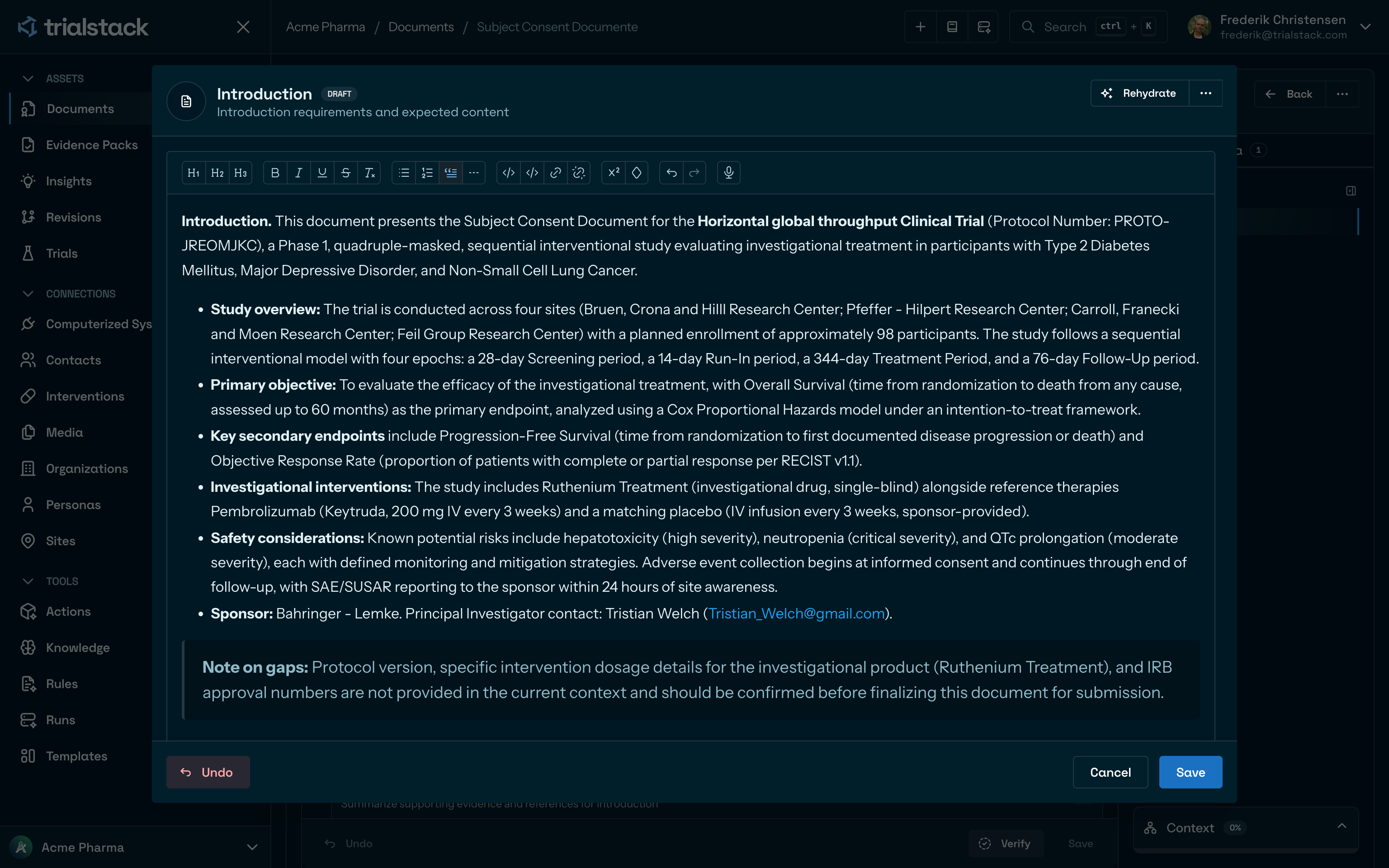
Section editing happens in a focused editor so teams can draft or rehydrate one section without losing the surrounding document context.
Keep the record light and the workflow rich
The document header is intentionally simple because the complexity of document work lives around the record, not only inside it. TrialStack separates:
- the base document record
- revisions derived from that record
- approval state around that record
- linked media and supporting context
Use documents for governed authored work
Documents are the right fit when the team needs one controlled content record that can move through drafting, review, comparison, restoration, and approval.
On the page
| Surface | Purpose | Typical content |
|---|---|---|
| Document tab | Maintain the current governed record | Details, sections, hydration, preview, verify actions |
| Approvals tab | Route the document into formal review | Connected approvals, decision state, signatures |
| Revisions tab | Keep derived document work visible | Revision packages, version ranges, comparison flows |
| Media tab | Keep supporting assets attached | Linked files, attachments, and supporting context |
What teams maintain
The base document record is deliberately narrow:
| Field area | Why it exists |
|---|---|
| Name | Make the record recognizable in the library and relationships |
| Template | Keep the starting structure visible |
| Language | Clarify the working language of the record |
| Trial | Keep the document attached to the study it belongs to |
That simplicity is intentional. The heavier document work happens in the section editor and the connected tabs rather than in an overloaded header form.
Keep the review path explicit
Use Revisions when the team needs a derived working path. Use Document Approvals when the team needs formal review state around the content. Use direct editing when the change is ordinary and the existing record is still the right source of truth.