Preferences
How TrialStack exposes organization-level preferences and configuration so teams can tailor the workspace to how they operate.
Shape the workspace defaults
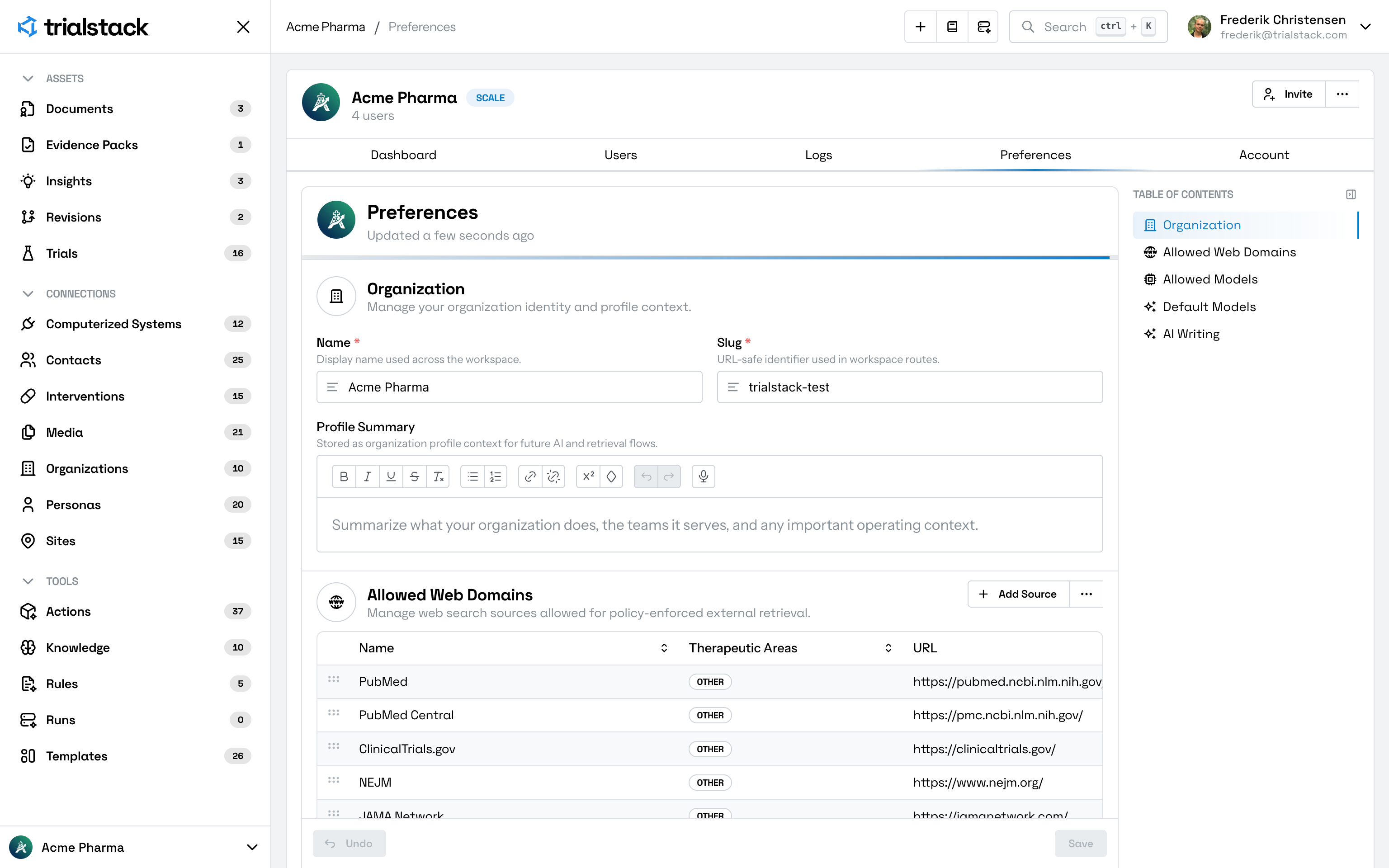
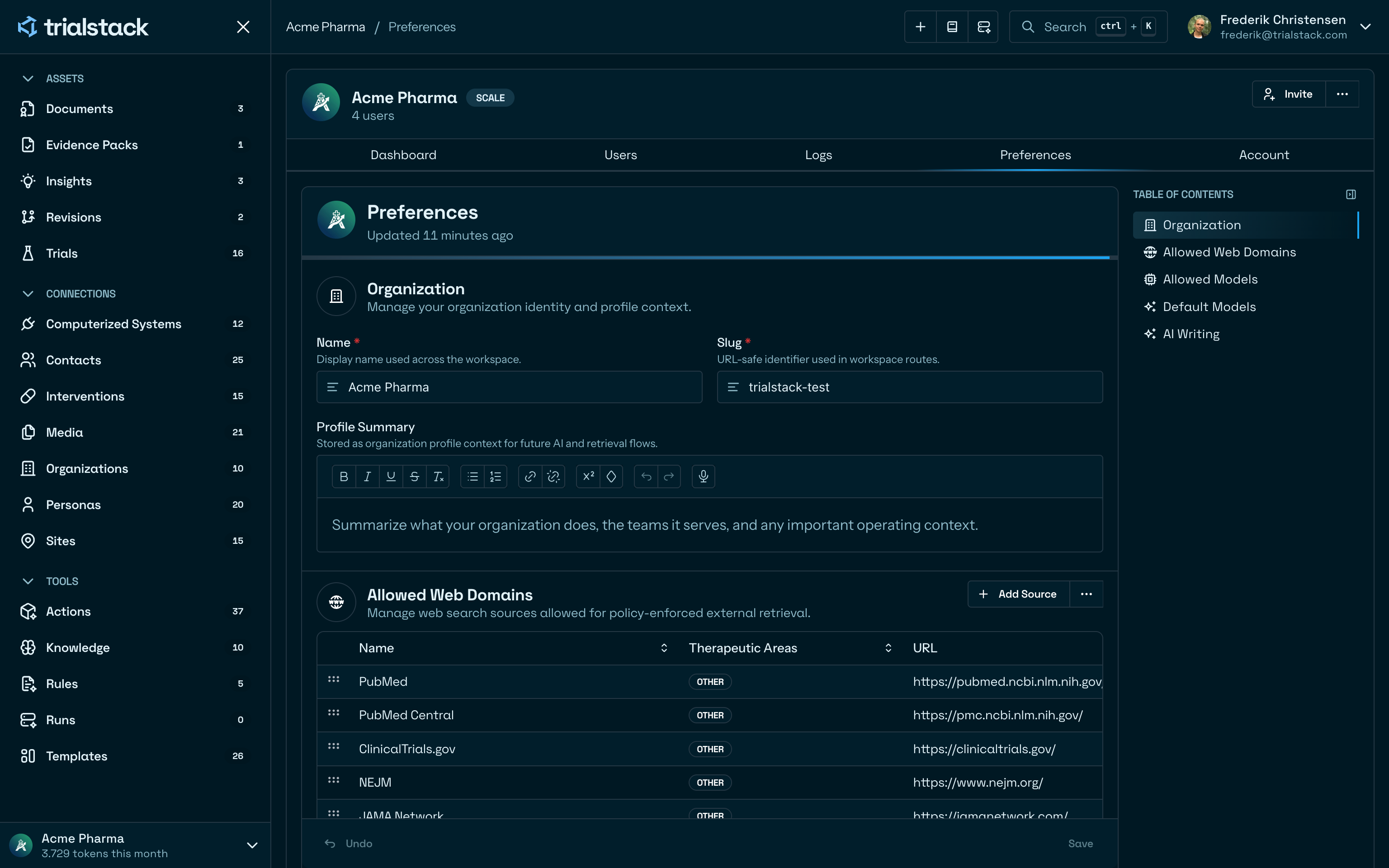
Preferences is the organization configuration surface in TrialStack. It is where teams manage the shared settings that shape how the platform behaves for everyone in the workspace.
Keep the setup intentional
The preferences model is organized around:
- organization identity and profile context
- allowed web domains for policy-enforced external retrieval
- allowed AI models that can be used through the gateway
- default models for different workflow families
- inline AI writing assistance defaults
In the product
Preferences keeps shared organization settings, source policy controls, and AI defaults in one governed page.
Manage source policy
Allowed Web Domains lets administrators define which external sources are available to policy-enforced retrieval flows.
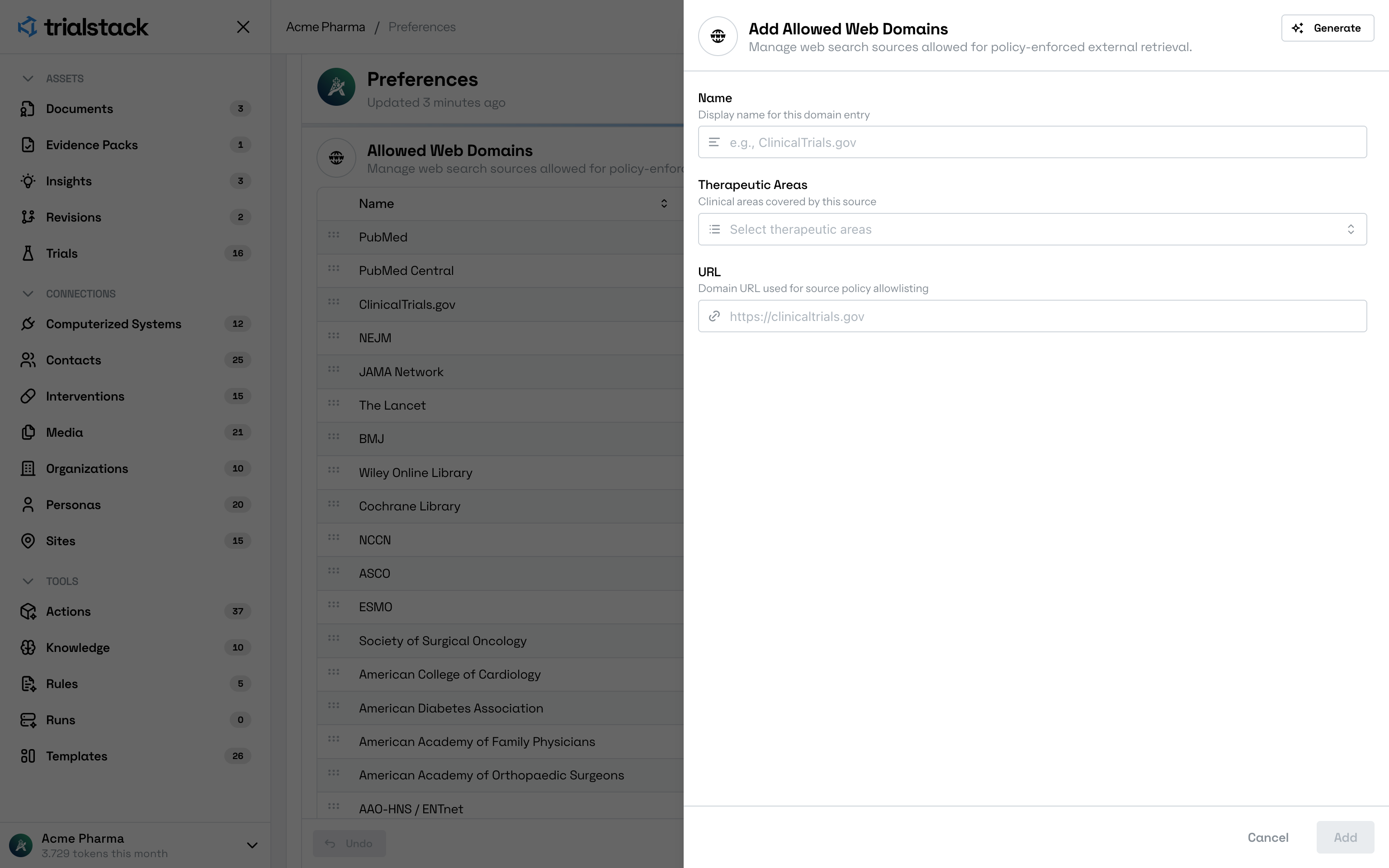
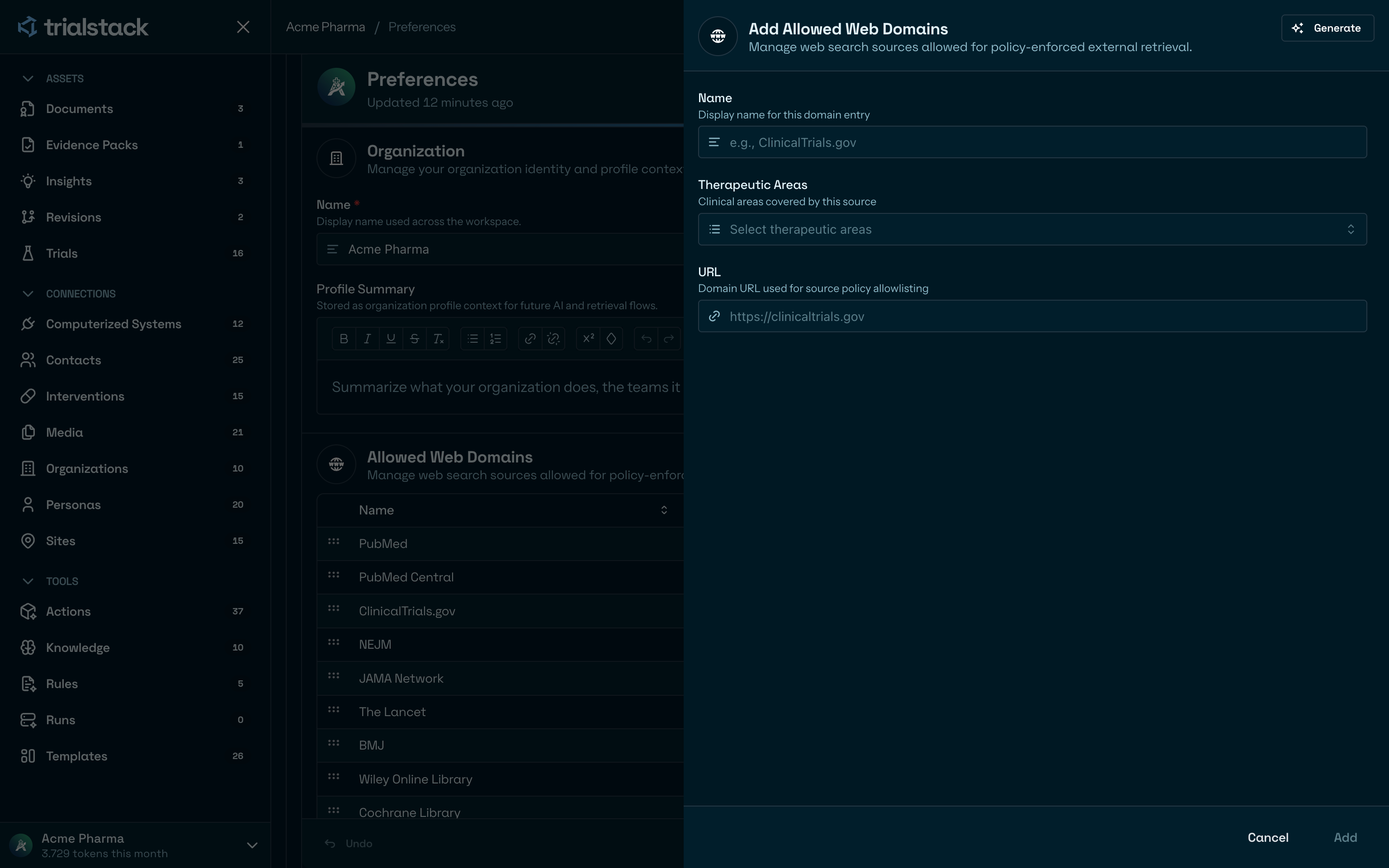
Add a source by giving it a clear display name, therapeutic area coverage, and canonical domain URL.
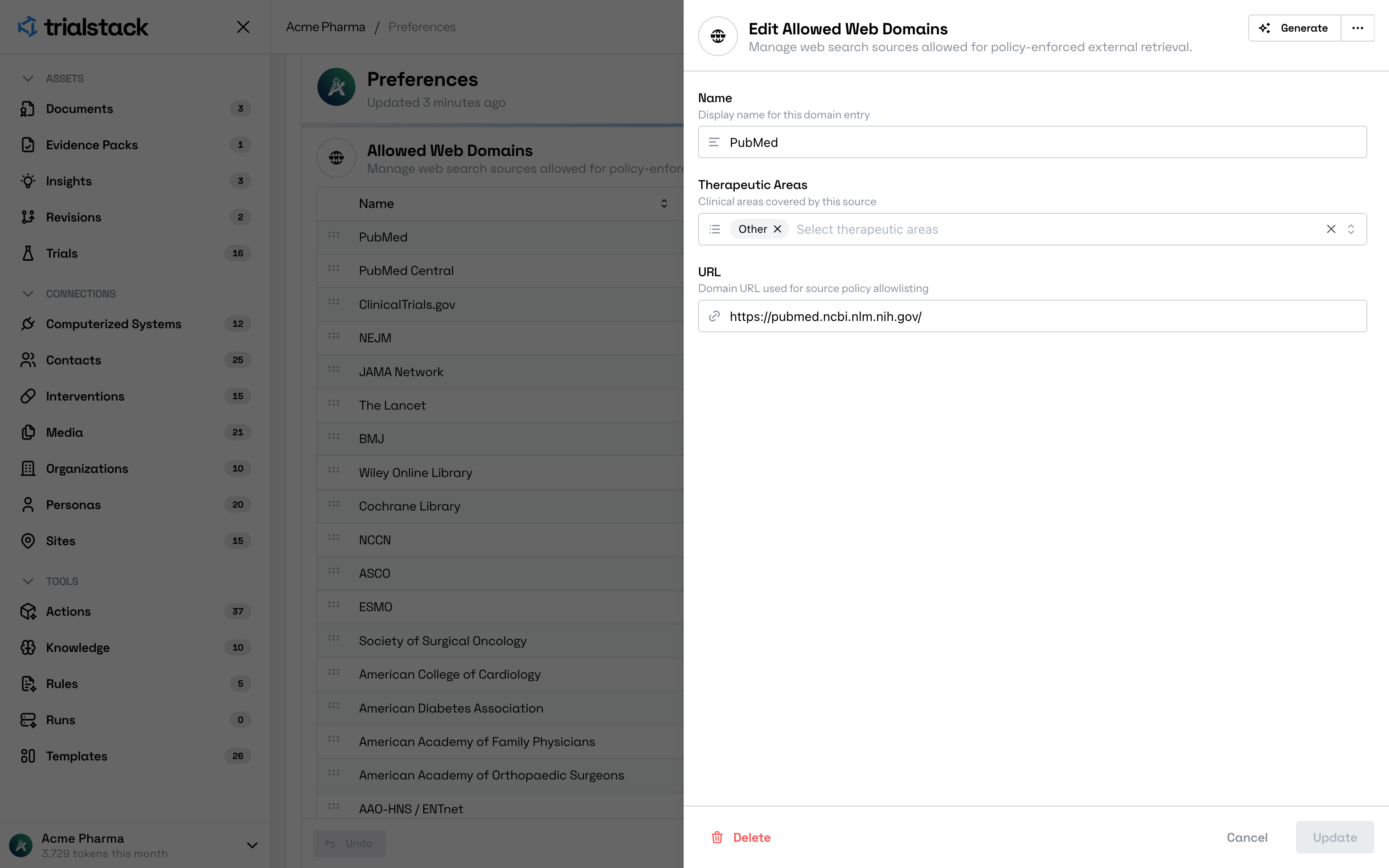
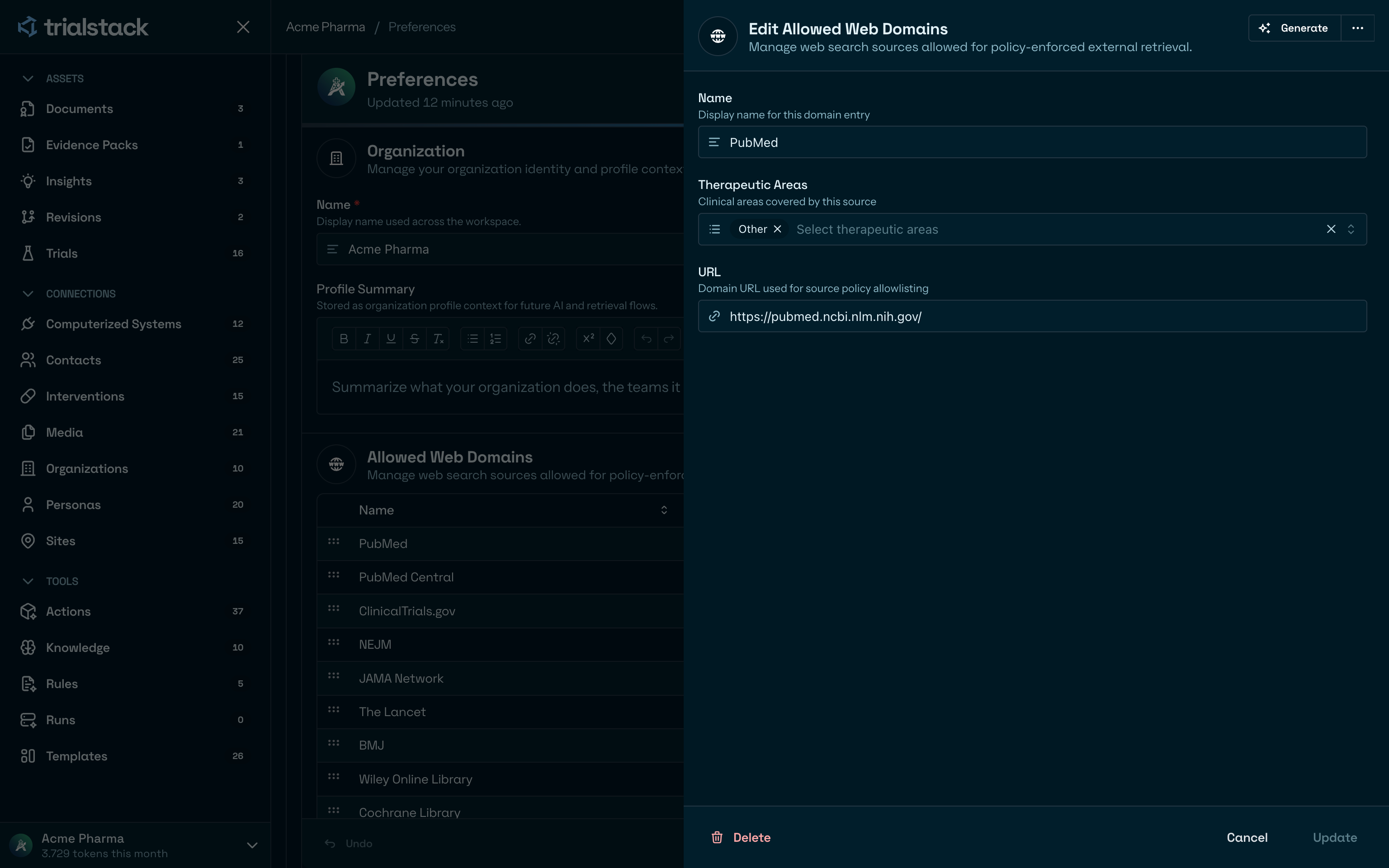
Existing sources remain editable so teams can refine scope as policy changes.
Manage approved models
Allowed Models is the allowlist for AI Gateway provider and model pairs that the workspace can use.
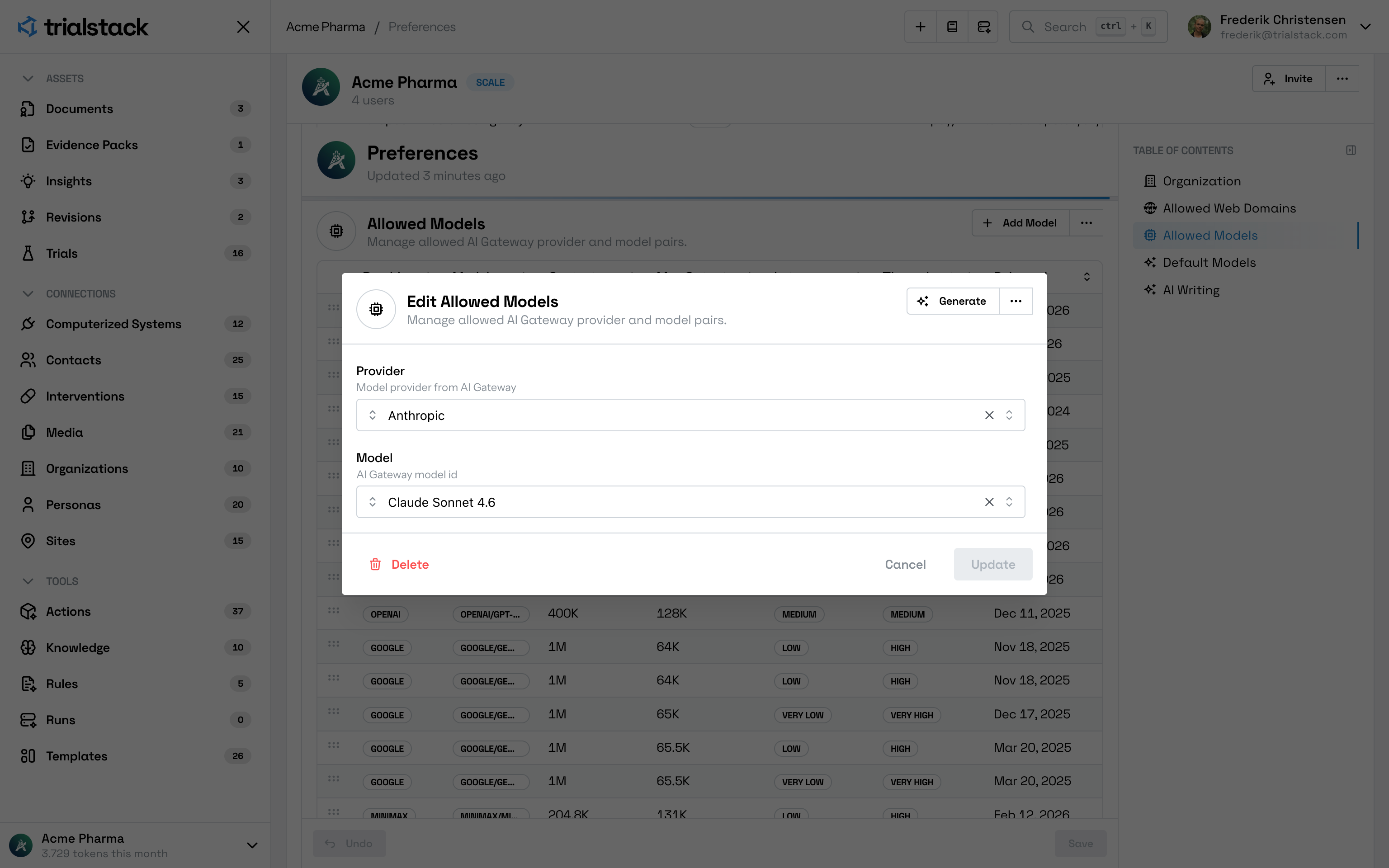
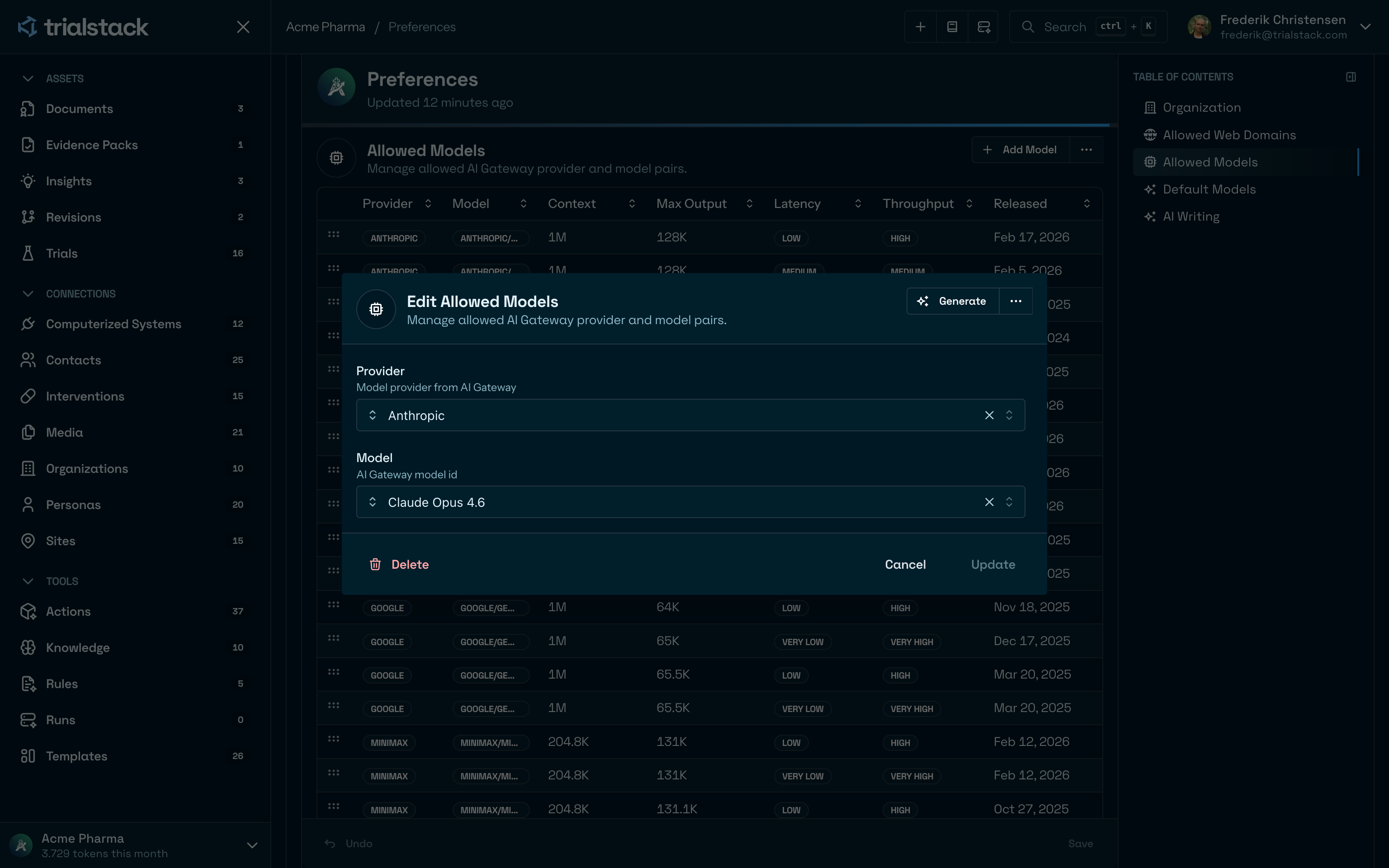
Editing a model pair keeps the approved provider and gateway model mapping explicit.
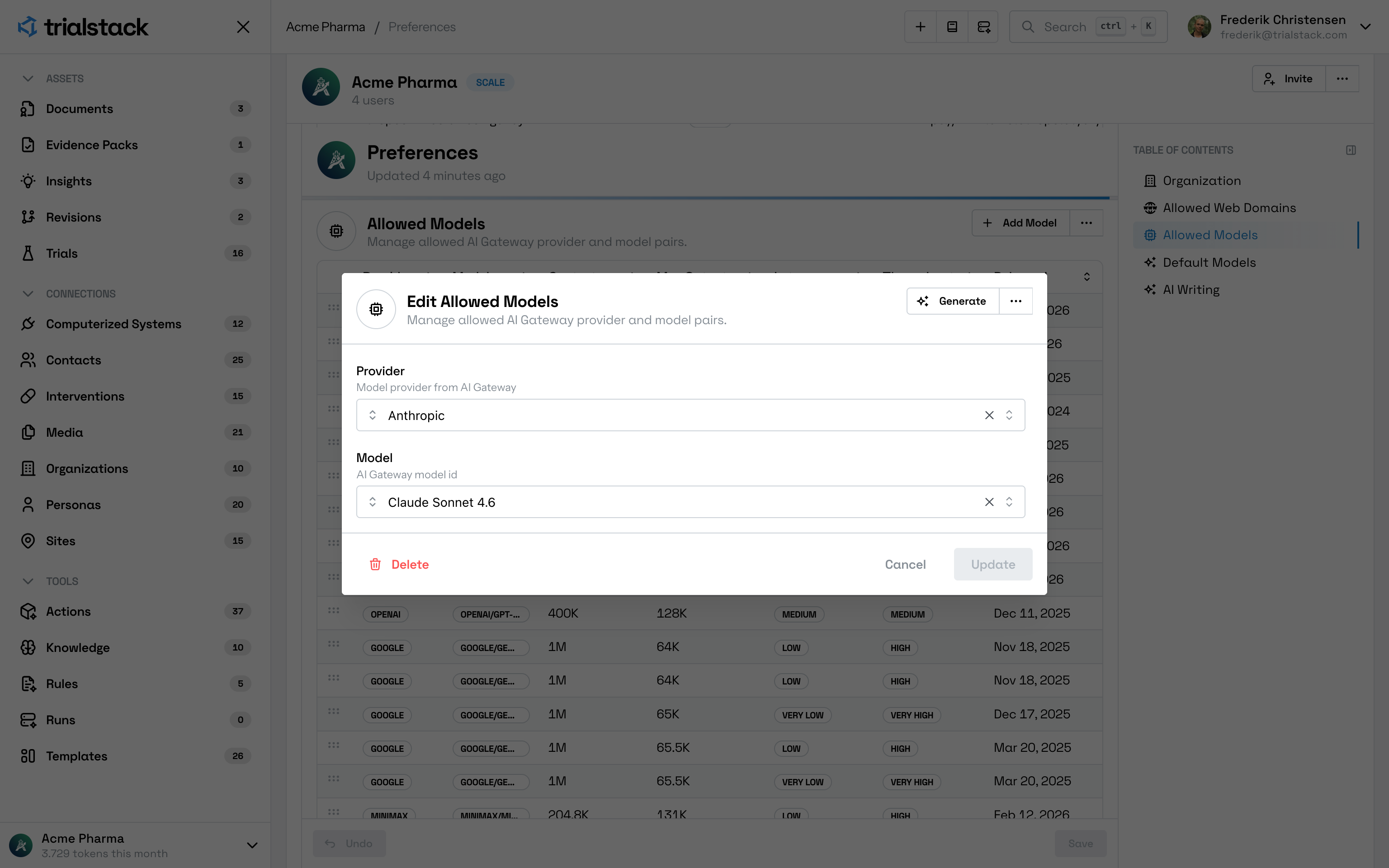
Adding a model uses the same provider-plus-model pattern, which keeps the allowlist easy to review.
Use it when the operating model changes
Open Preferences when:
- administrators need to set or review workspace defaults
- the organization wants consistency across AI-assisted workflows
- localization or display settings need to reflect how the team operates
Remember the blast radius
Preference changes can affect many users at once. Teams should treat them as shared operating defaults, not as casual personal tweaks hidden from the rest of the workspace.