Account
How TrialStack exposes account-level profile, localization, appearance, and email address settings for the signed-in user.
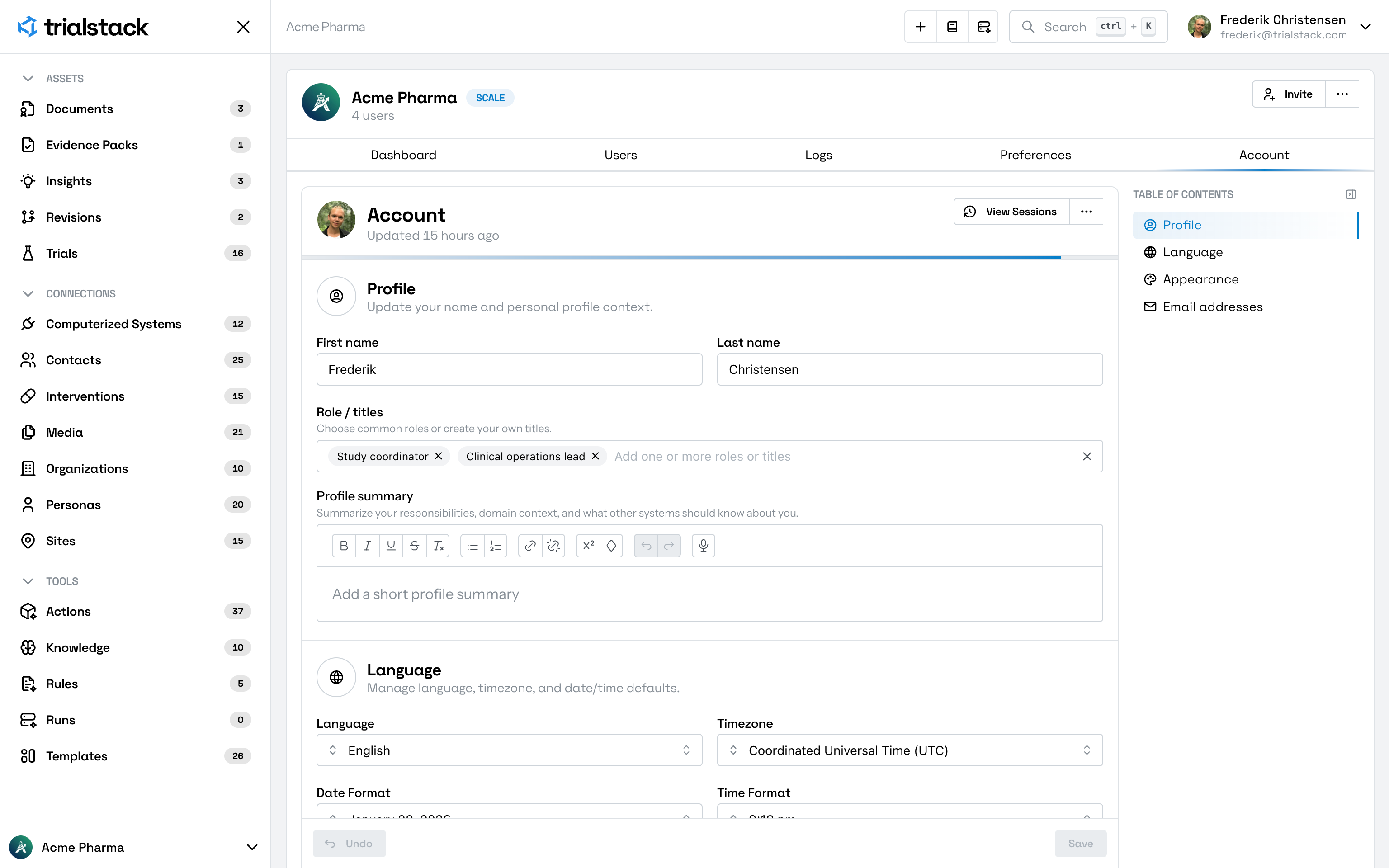
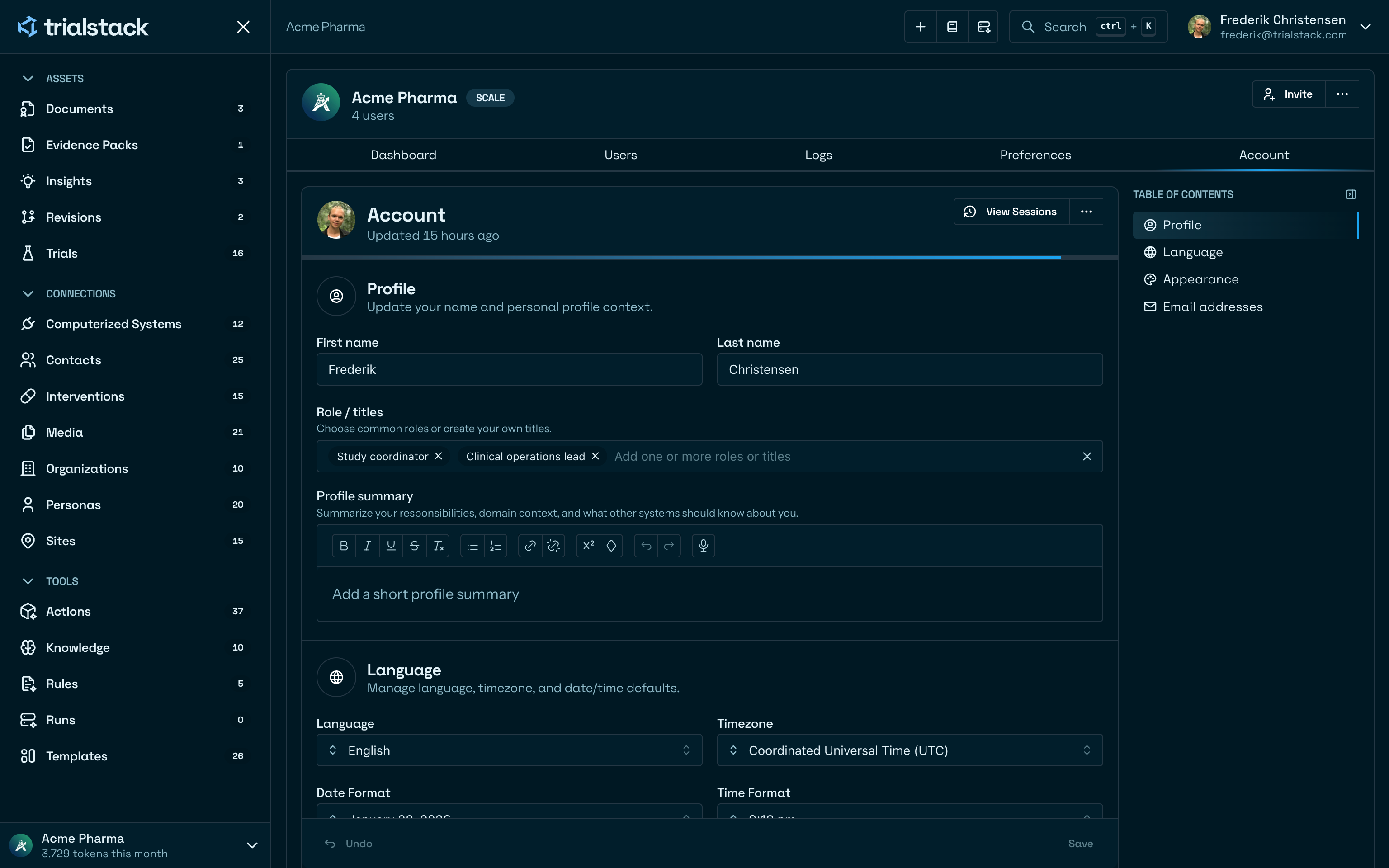
Manage your own working profile
Account is the personal settings surface in TrialStack. It lets each signed-in user manage the profile details and defaults that belong to their own account rather than the organization.
Keep personal context accurate
The account page is organized around:
- profile details such as name, role titles, and profile summary
- language, timezone, and date or time display defaults
- appearance preferences such as theme
- account email addresses, including primary designation
In the product
Account keeps personal profile, localization, appearance, and email configuration on one page.
Manage email addresses
The email address flow lets users add or update account emails while keeping primary status explicit.
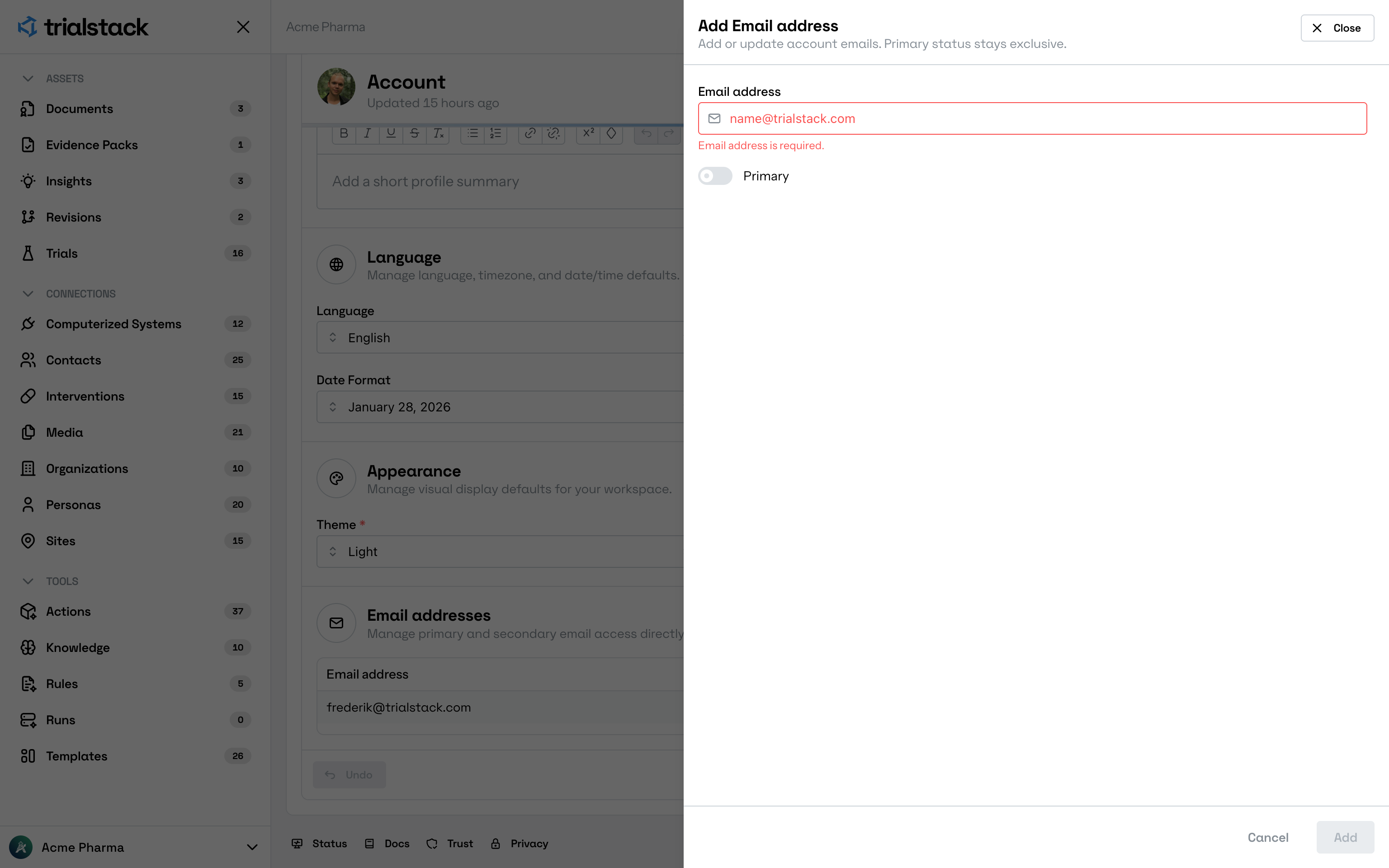
Email validation happens inside the drawer before the change is saved.
Use it when personal defaults change
Open Account when:
- your name, role titles, or profile context changes
- your language, timezone, or date formatting should match how you work
- you want a different visual theme
- you need to add or update an email address on your account
Keep the boundary clear
Account is for user-specific settings. When the change should affect the whole workspace, the right surface is usually Preferences instead.