Dashboard
How the TrialStack dashboard gives teams a high-level view of recent activity, usage, and the most important operational surfaces in the workspace.
See the workspace at a glance
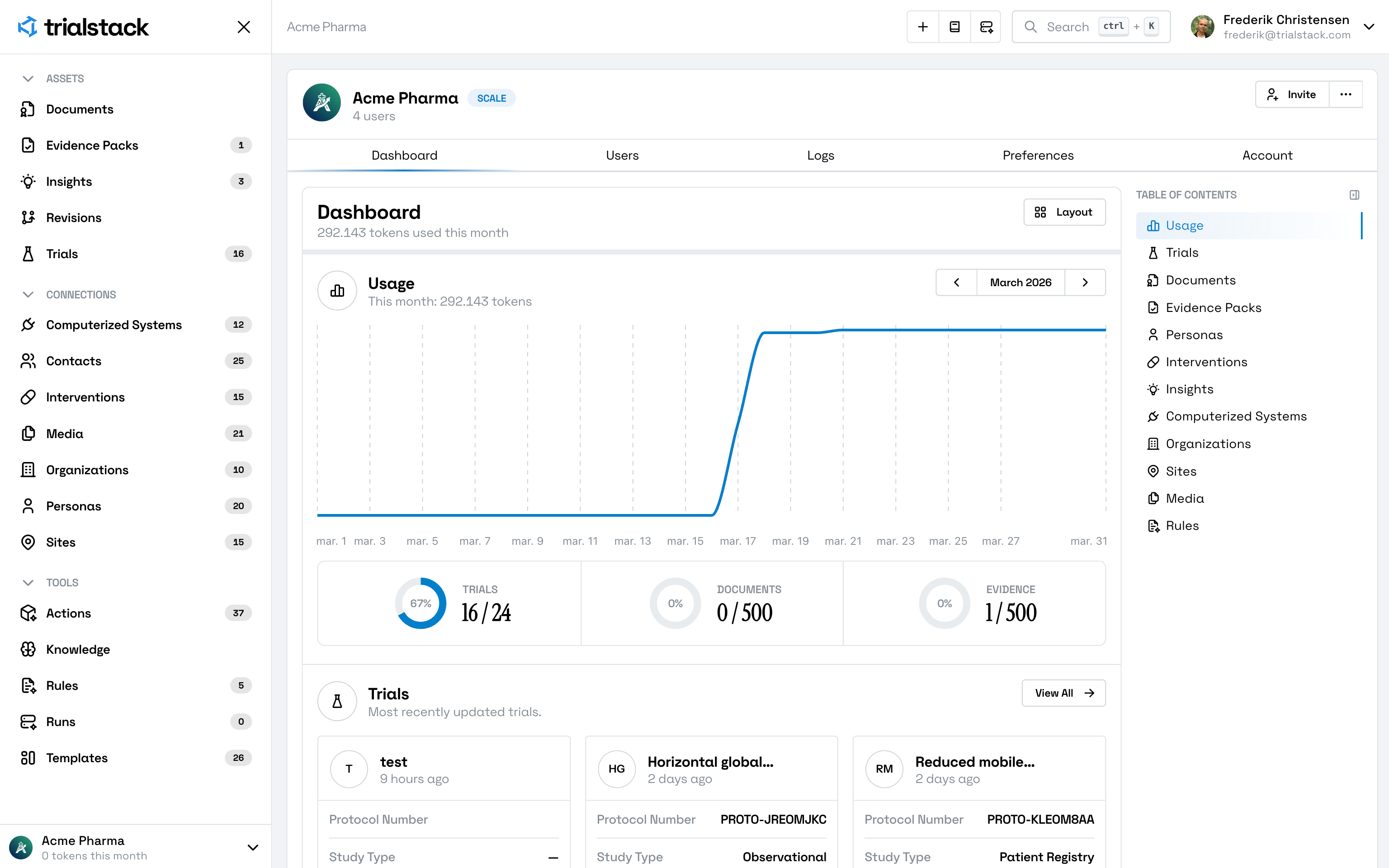
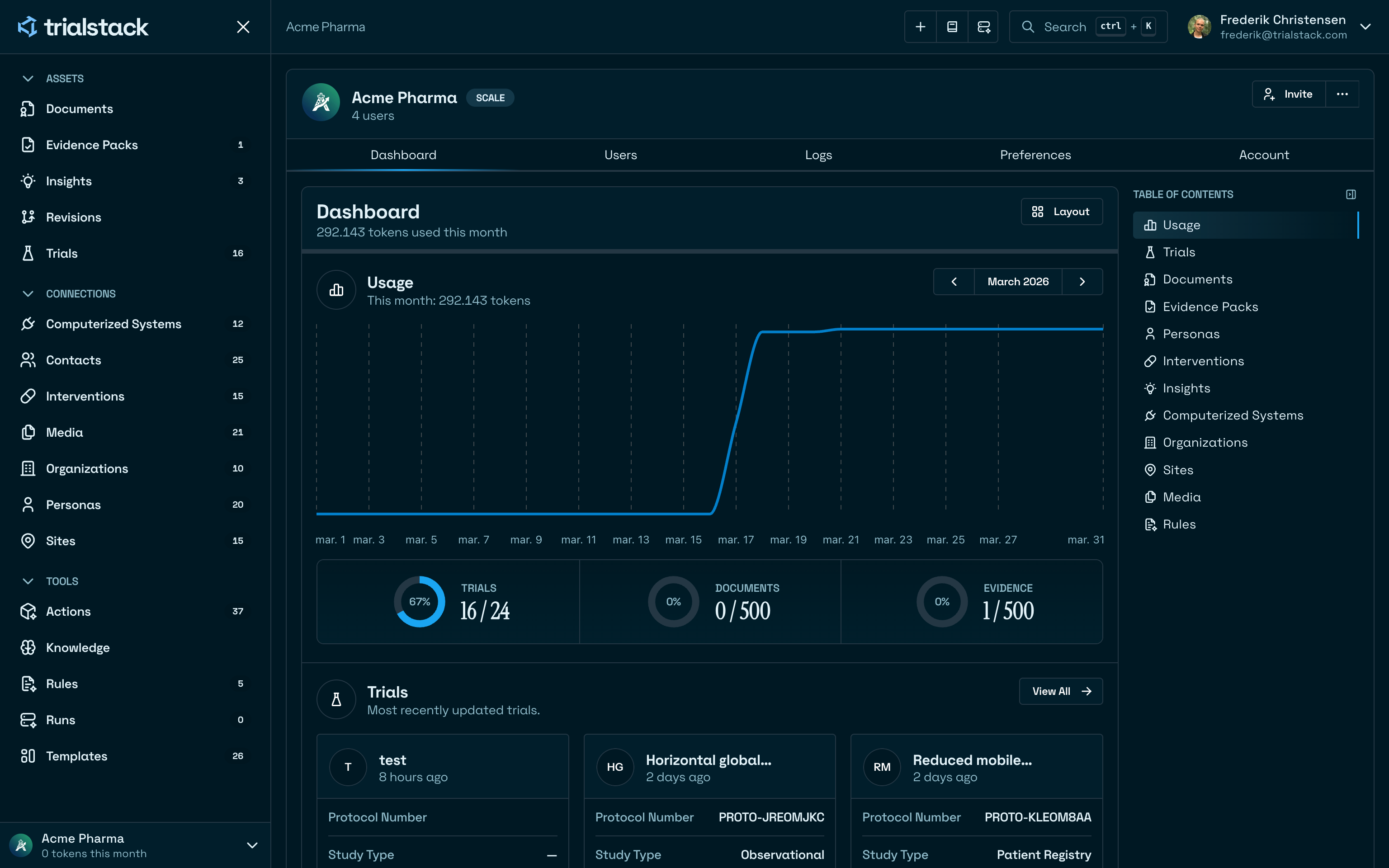
The dashboard is the organization home surface in TrialStack. It gives teams a quick operational summary before they drill into governed records, connections, and tools.
Follow recent work
The dashboard is organized around usage context and recent activity across the main record families, including trials, documents, evidence packs, templates, personas, contacts, interventions, organizations, sites, media, rules, and systems.
Use it as the first stop
Open the dashboard when:
- the team needs a fast picture of recent workspace activity
- operators want a launch point into the busiest records
- administrators need a quick sense of current usage versus plan context
Move deeper when needed
The dashboard is for orientation, not full investigation. Once something looks important, the next step should usually be the underlying record, workflow, or log view.